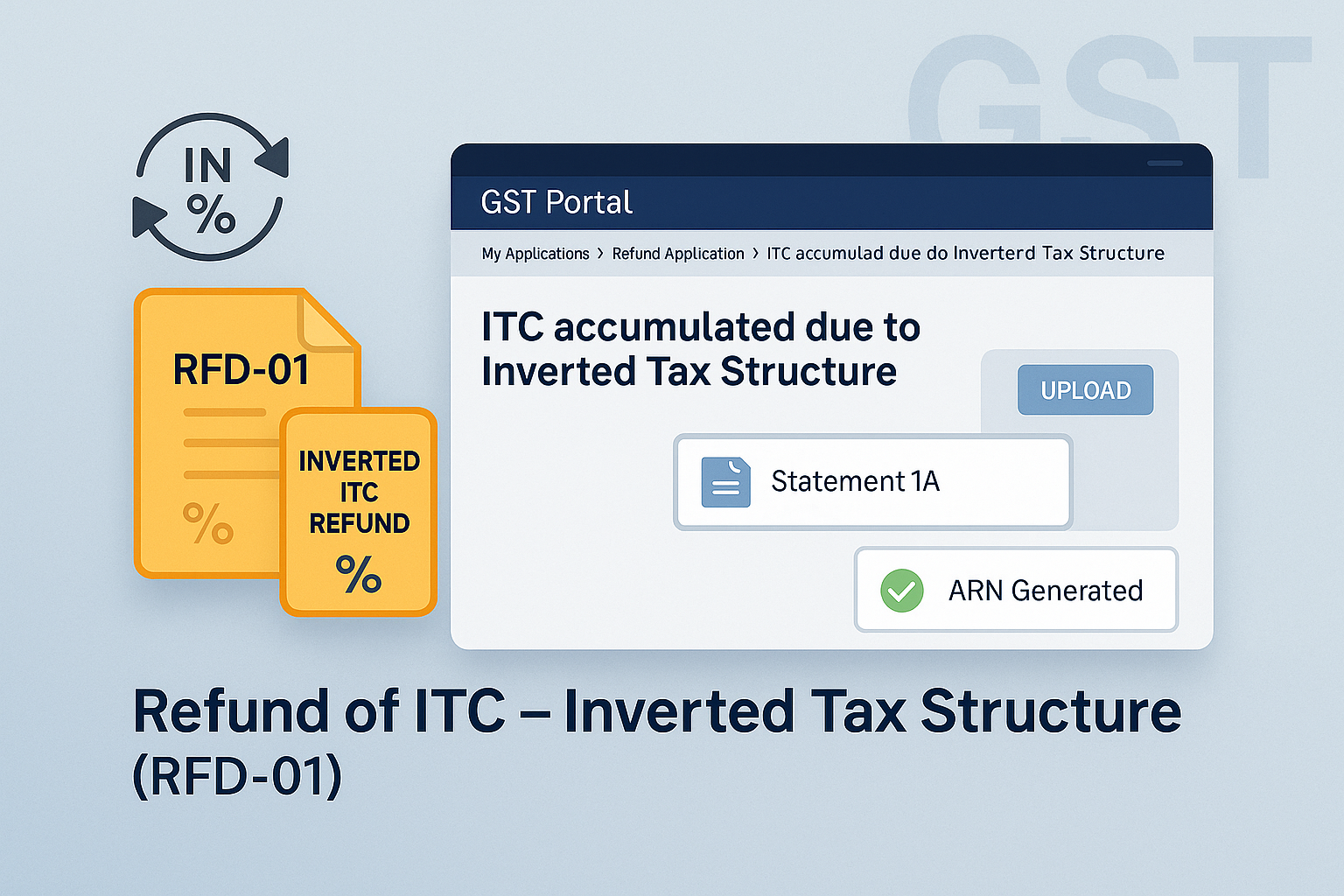
Refund of ITC accumulated due to Inverted Tax Structure
Edition: September 2025
Disclaimer: This manual is for compliance facilitation. It does not substitute statutory provisions, notifications, or circulars. Taxpayers must verify with the CGST/SGST Acts, Rules, and GSTN updates.
✍️ Preface
When the GST rate on inputs is higher than the GST rate on output supplies, ITC gets accumulated in the Electronic Credit Ledger. Such taxpayers can claim a refund of this accumulated ITC under Form GST RFD-01 by selecting refund type “Inverted Tax Structure”. This report explains the law basis, portal filing steps, FAQs, and compliance checklist.
⚖️ 1. Law Basis
-
Section 54(3), CGST Act, 2017 – Refund of unutilized ITC.
-
Proviso to Section 54(3)(ii) – Restriction on refund except in case of inverted tax structure.
-
Rule 89(5), CGST Rules, 2017 – Computation of refund amount.
🛠️ 2. Step-by-Step Process – Filing Refund Application
-
Login → www.gst.gov.in.
-
Navigate: Services > Refunds > Application for Refund.
-
Select refund type: Refund on account of ITC accumulated due to Inverted Tax Structure.
-
Select Tax Period → Click CREATE REFUND APPLICATION.
-
If NIL refund → File directly with DSC/EVC.
-
Otherwise:
-
Download Offline Utility for Statement 1A.
-
Fill details of inward & outward supplies (Invoices, Debit/Credit Notes).
-
Validate & Create JSON → Upload on GST Portal.
-
-
System validates Statement 1A with GSTR-1 and supplier data.
-
Computation auto-populated in Statement 1 (Refund Table).
-
Enter refund to be claimed, subject to validations (≤ ECL balance, ≤ Max Refund).
-
Upload supporting docs (max 15 files, 5 MB each).
-
Preview refund form → File with DSC/EVC.
-
ARN generated → Acknowledgement sent via SMS/Email.
-
Debit entry created in Electronic Credit Ledger.
📌 3. Key Features
-
Refund must be filed within 2 years from due date of return.
-
Statement 1A mandatory – inward & outward supply details.
-
Can file refund for multiple tax periods across FYs in one application.
-
NIL refund also allowed (single/multiple periods).
-
Application can be saved for 15 days before filing.
-
Refund validation:
-
≤ Balance in ECL.
-
≤ Maximum Refund in Statement 1A.
-
≤ Computed refund formula.
-
-
ARN = proof of filing → Application sent to Refund Officer for scrutiny.
❓ 4. FAQs (with Basis)
Q1. What is inverted tax structure?
When GST rate on inputs > GST rate on output supplies.
Q2. Is there a time limit to file?
Yes, within 2 years from due date of return of relevant period.
Q3. Which statement is mandatory?
Statement 1A with inward & outward supply details.
Q4. Can multiple FY periods be combined?
Yes, refunds across different financial years can be clubbed.
Q5. Can I file NIL refund?
Yes, NIL refund allowed for single or multiple periods.
Q6. How to correct upload errors?
Use Download Invalid Documents → rectify → re-upload JSON.
Q7. How is refund validated?
Validated against GSTR-1 data (outward) & supplier database (inward).
Q8. How is refund credited?
To bank account registered on GST Portal.
✅ 5. Compliance Checklist
| Step | Particulars | Status (✔) |
|---|---|---|
| 1 | Login → Refund Application → Select Inverted Tax Structure | ⬜ |
| 2 | Select Tax Period → Create Refund Application | ⬜ |
| 3 | Download & Fill Statement 1A → Upload JSON | ⬜ |
| 4 | Validate Statement & Correct errors | ⬜ |
| 5 | Upload supporting documents | ⬜ |
| 6 | Preview & File with DSC/EVC | ⬜ |
| 7 | ARN generated → SMS/Email acknowledgement | ⬜ |
| 8 | Debit entry created in ECL | ⬜ |
| 9 | Track status via GST Portal | ⬜ |