Refund on Account of “Any Other” Reason
Edition: September 2025
Disclaimer: This manual is for compliance facilitation. It does not substitute statutory provisions, notifications, or circulars. Taxpayers must verify with the CGST/SGST Acts, Rules, and GSTN updates.
✍️ Preface
The GST Portal provides an option to apply for refund under the category “Any Other (specify)”, when no specific refund category applies. Taxpayers can specify their reason for refund in Form GST RFD-01 and attach supporting documents. This report explains the law basis, portal process, FAQs, and a compliance checklist.
⚖️ 1. Law Basis
-
Section 54, CGST Act, 2017 – Refund of tax.
-
Rule 89, CGST Rules, 2017 – Application for refund.
🛠️ 2. Step-by-Step Process – Filing Refund under “Any Other” Reason
-
Login → www.gst.gov.in.
-
Navigate: Services > Refunds > Application for Refund.
-
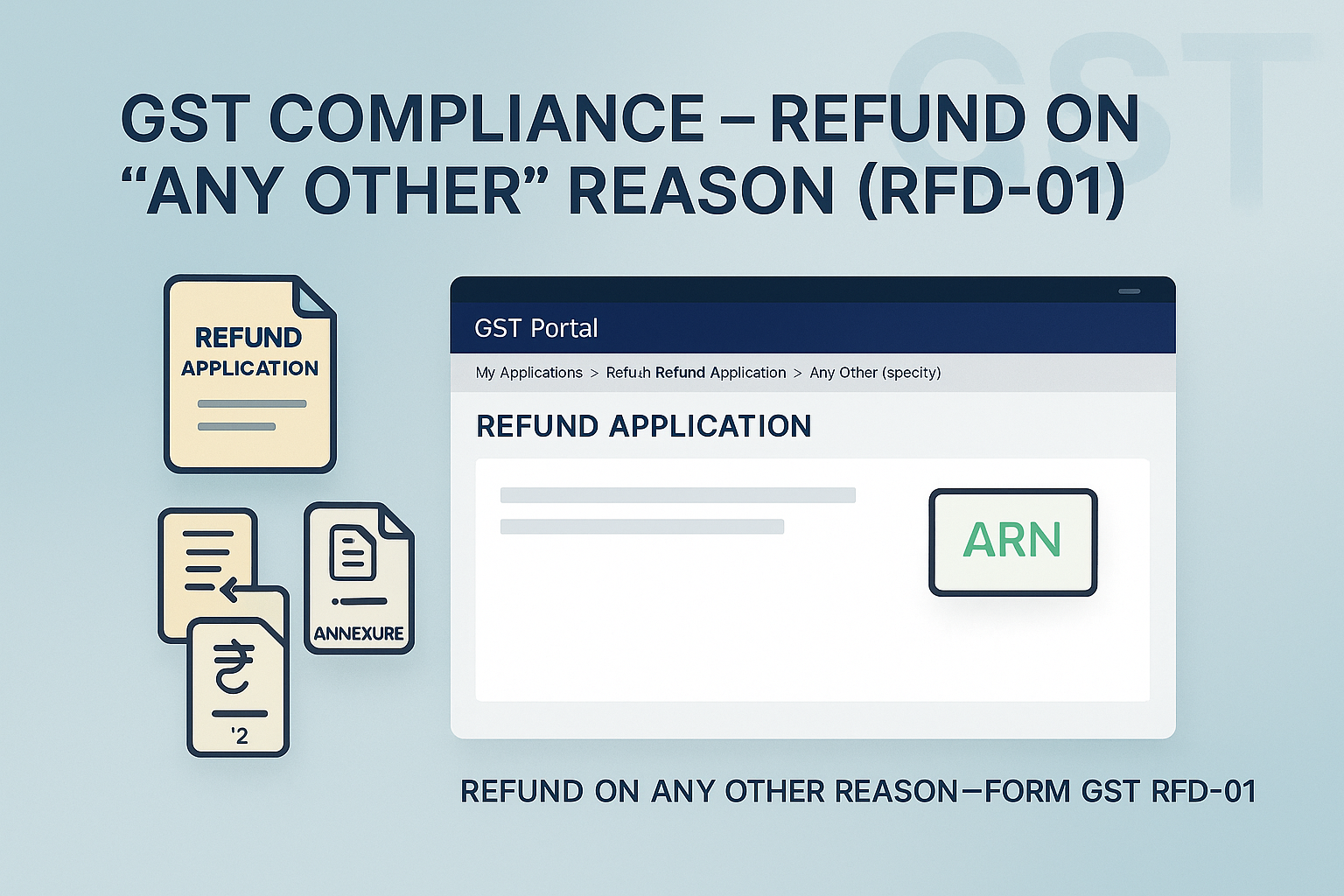
Select refund type: Any Other (specify).
-
Select Financial Year and Month → Click CREATE REFUND APPLICATION.
-
On Form RFD-01 – Any Other (specify) page:
-
Enter Refund Specification (reason for refund).
-
Enter Refund Amount in refund claimed table.
-
(Optional) View Electronic Liability Ledger for dues.
-
-
Select Bank Account from drop-down.
-
Casual/NRTP taxpayers can use TRN login and enter bank details.
-
-
Upload supporting documents (max 10 files, ≤ 5 MB each).
-
If refund > ₹2 lakh → Annexure 2 CA/Cost Accountant Certificate mandatory.
-
-
Save draft → Preview → Tick Undertaking & Self-Declaration.
-
File with DSC/EVC.
-
Success message → ARN generated → Sent by Email/SMS.
-
ARN receipt downloadable under My Applications.
-
Refund assigned to Jurisdictional Officer for scrutiny.
📌 3. Key Features
-
Useful when no specific refund category is available.
-
One refund application per tax period → multiple reasons require multiple applications.
-
Application can be saved for 15 days.
-
No statement of invoices required (optional document upload).
-
Refund > ₹2 lakh → Annexure 2 certificate mandatory.
-
No debit entry in Electronic Credit/Cash Ledger (refund relates to paid tax).
❓ 4. FAQs (with Basis)
Q1. When can this refund be filed?
When refund reason not covered under any specific category.
Q2. What documents must be uploaded?
Supporting docs as per rules/circulars. If refund > ₹2 lakh → Annexure 2 CA/Cost Accountant certificate.
Q3. Can I claim refund for multiple tax periods?
No, only one tax period per application.
Q4. Do I need to upload invoices?
Not mandatory; optional supporting docs may be uploaded.
Q5. Can I preview before filing?
Yes, refund form preview available in PDF.
Q6. How is ARN generated?
On submission, ARN generated & sent by Email/SMS.
Q7. Is there a ledger entry?
No, since refund relates to already paid tax.
Q8. How is refund processed?
Application assigned to Refund Processing Officer for scrutiny & sanction.
✅ 5. Compliance Checklist
| Step | Particulars | Status (✔) |
|---|---|---|
| 1 | Login → Refund Application → Select Any Other (specify) | ⬜ |
| 2 | Enter refund reason & refund amount | ⬜ |
| 3 | Select bank account | ⬜ |
| 4 | Upload supporting docs (Annexure 2 if > ₹2 lakh) | ⬜ |
| 5 | Save draft & Preview | ⬜ |
| 6 | Tick declaration & File with DSC/EVC | ⬜ |
| 7 | ARN generated → Email/SMS acknowledgement | ⬜ |
| 8 | Track refund via Track Application Status | ⬜ |