


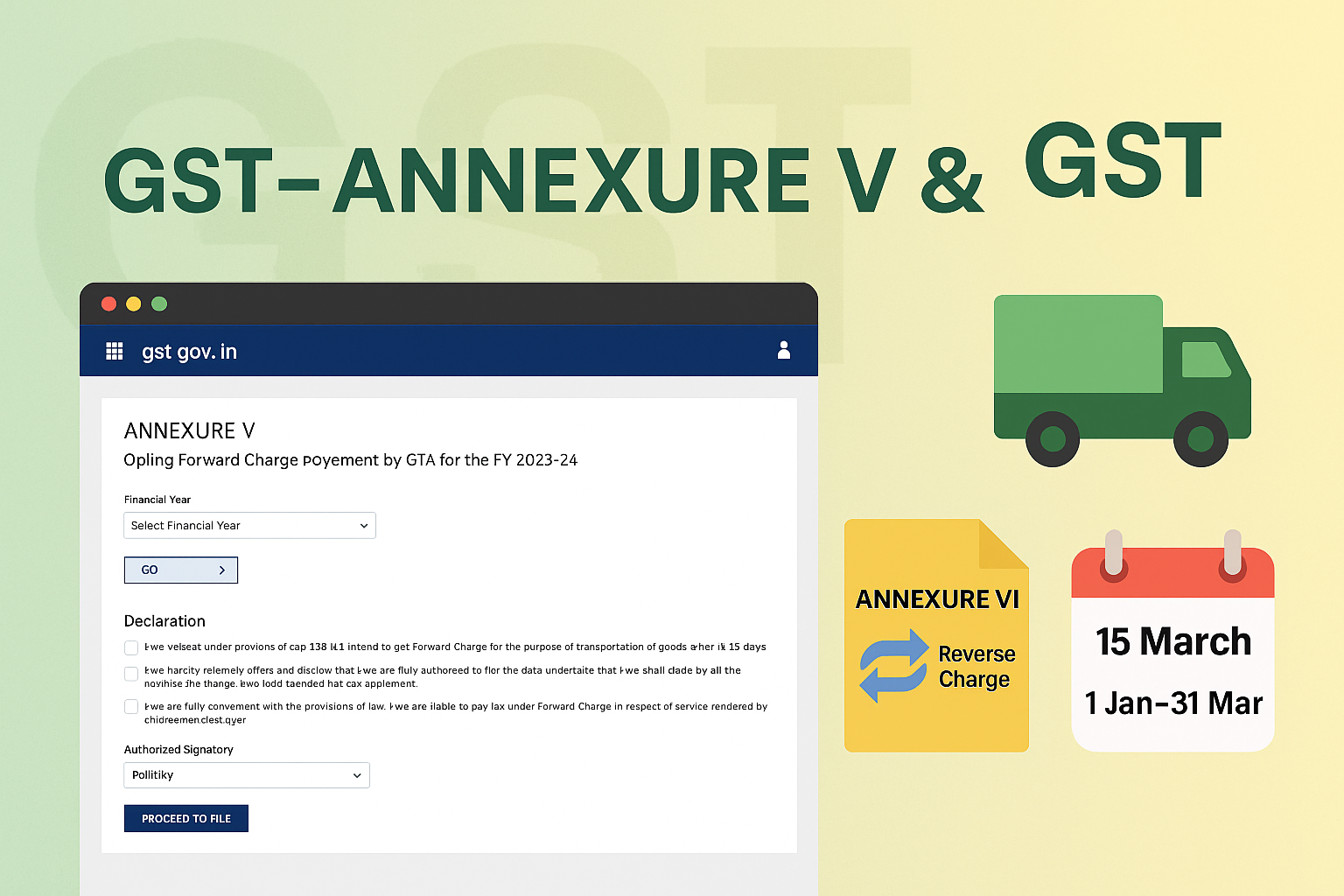
Filing Annexure V & VI – Goods Transport Agencies (GTA)
Edition: September 2025
Disclaimer: This manual is for compliance facilitation. It does not substitute statutory provisions, notifications, or circulars. Taxpayers must verify with the CGST/SGST Acts, Rules, and GSTN updates.
✍️ Preface
Goods Transport Agencies (GTA) under GST are given an option each year to decide the mode of tax payment. They may either:
-
Opt for Forward Charge (pay GST themselves) → Declaration in Annexure V.
-
Opt to Revert to Reverse Charge (recipient pays GST) → Declaration in Annexure VI.
This manual consolidates the law basis, step-wise filing process, timelines, FAQs with statutory basis, and a compliance checklist.
📑 Table of Contents
-
Law Governing GTA Declarations
-
Annexure V – Forward Charge Option
-
Annexure VI – Reverting to Reverse Charge
-
Manual Upload Facility
-
Timelines & Validity
-
FAQs (with Basis)
-
Compliance Checklist (Fillable Format)
⚖️ 1. Law Governing GTA Declarations
-
Notification No. 03/2022 – Central Tax (Rate) and subsequent amendments.
-
Section 9, CGST Act, 2017 – Levy & Collection.
-
Rule 58, CGST Rules, 2017 – Provisions for GTA compliance.
-
GSTN Guidelines – Portal-based filing of Annexure V & VI from FY 2023–24 onwards.
📌 2. Annexure V – Forward Charge Option
When to file?
-
Every GTA who wishes to pay tax on forward charge must file Annexure V before the cut-off date.
-
Cut-off date: 15th March of preceding FY.
Step-by-Step Filing Process:
-
Login → Services > User Services > GTA > Opting Forward Charge Payment by GTA (Annexure V).
-
Select Financial Year → Click GO.
-
Select Authorized Signatory → Tick declaration boxes → Click PROCEED TO FILE.
-
On Verification page → Tick Verification → Enter Place → Name auto-filled.
-
Preview draft → Click SIGN AND FILE WITH EVC.
-
Enter OTP (valid 10 minutes) → Verify.
-
ARN generated → Success message displayed → Annexure V downloadable in PDF.
-
Email/SMS sent to Authorized Signatories (Primary or both, depending on who signed).
📌 3. Annexure VI – Reverting to Reverse Charge
When to file?
-
GTA wishing to revert to Reverse Charge must file Annexure VI.
-
Cut-off date: 1st January to 31st March of preceding FY.
Step-by-Step Filing Process:
-
Login → Services > User Services > GTA > Opting to Revert under Reverse Charge Payment by GTA (Annexure VI).
-
Select FY → Authorized Signatory → Tick declaration boxes → Proceed.
-
Verification page → Tick → Enter Place → Preview.
-
Sign & File with EVC → OTP verification → ARN generated.
-
Download Annexure VI PDF.
📌 4. Manual Upload Facility
-
GTA who filed Annexure V manually for FY 2023–24 must upload the acknowledged copy on portal.
-
Upload path: Services > User Services > GTA > Upload Manually Filed Annexure V.
-
Once uploaded, declaration continues for subsequent years unless Annexure VI is filed.
📌 5. Timelines & Validity
-
Annexure V: Due by 15th March each year. Once filed, deemed valid for subsequent FYs until Annexure VI is filed.
-
Annexure VI: Due between 1st January – 31st March of preceding FY.
-
Newly Registered GTA: Must file Annexure V within 45 days of application or 1 month from RC issuance, whichever is later.
❓ 6. FAQs (with Basis)
Q1. What is Annexure V?
Declaration to opt forward charge payment by GTA. (FAQ 1)
Q2. Is Annexure V required every year?
No, it continues until Annexure VI is filed. (FAQ 7)
Q3. What is Annexure VI?
Declaration to revert to reverse charge. (FAQ 8)
Q4. What is OTP validity?
10 minutes. (FAQ 4)
Q5. What if OTP not received?
Wait 180 sec, check spam folder, or resend OTP. (FAQ 5)
Q6. What about new GTA registrations?
Due within 45 days of application or 1 month from RC issue. (FAQ 9)
Q7. Filed manually in FY 2023–24, must I upload?
Yes, upload acknowledged copy once. (FAQ 10)
✅ 7. Compliance Checklist (Fillable Format)
| Step | Particulars | Status (✔) |
|---|---|---|
| 1 | Login GST Portal | ⬜ |
| 2 | Select Services > User Services > GTA | ⬜ |
| 3 | File Annexure V (Forward Charge) before 15 March | ⬜ |
| 4 | File Annexure VI (Reverse Charge) between Jan–Mar | ⬜ |
| 5 | Upload manually filed Annexure V (FY 2023–24) | ⬜ |
| 6 | Verify with EVC OTP (10 min validity) | ⬜ |
| 7 | Download filed Annexure V/VI PDF | ⬜ |
| 8 | Keep ARN & system notifications for records | ⬜ |

 and Annexure VI (reverse charge). Covers timelines, manual upload facility, FAQs with statutory basis, and a compliance checklist.)