


Viewing Issued Notices, Filing Replies & Actions During GST Audit
Edition: September 2025
Disclaimer: This manual is for compliance facilitation. It does not substitute statutory provisions, notifications, or circulars. Taxpayers must verify with the CGST/SGST Acts, Rules, and GSTN updates.
✍️ Preface
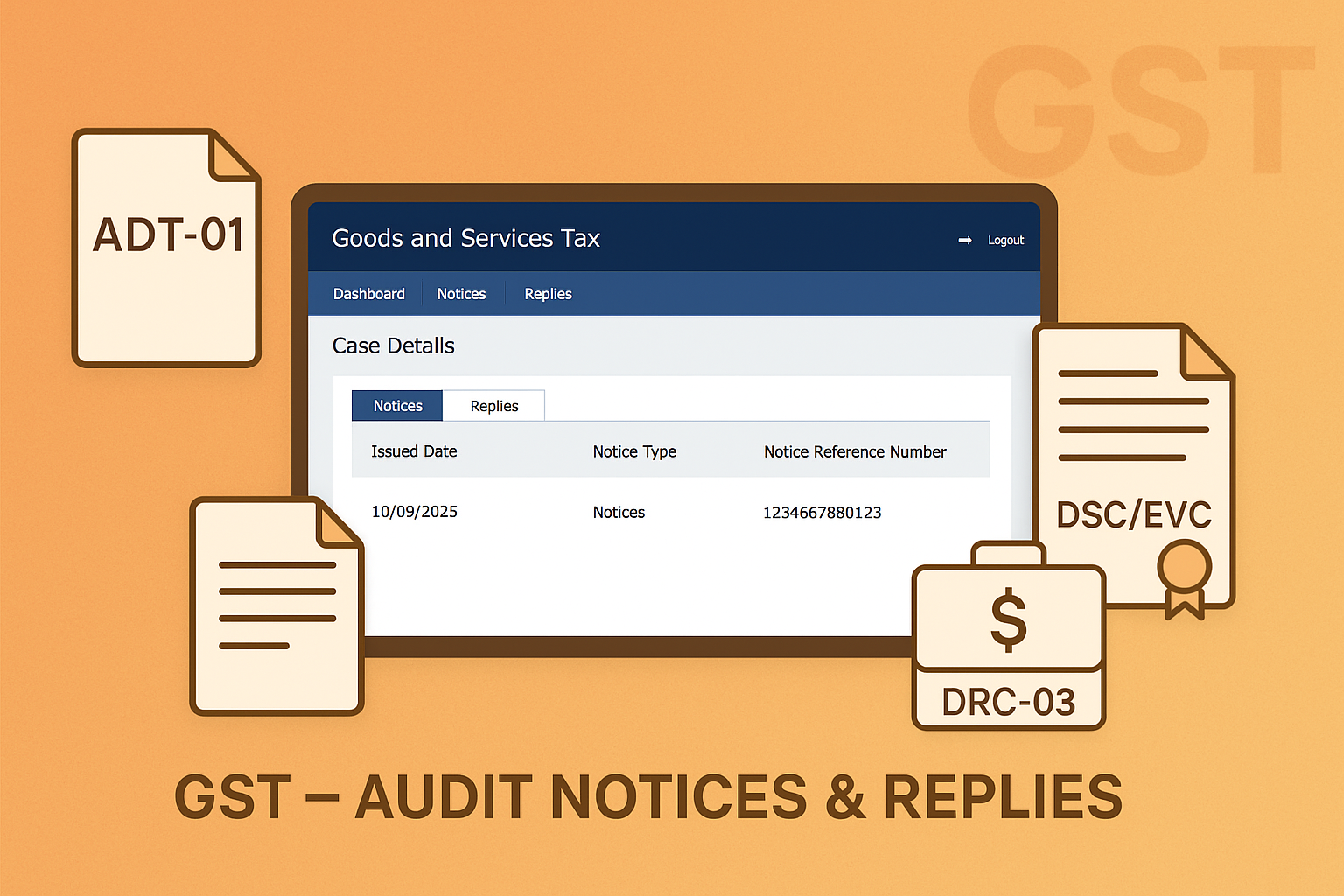
During a GST Audit, tax officers may issue notices, discrepancy reports, and audit findings to the taxpayer. The GST Portal provides an integrated facility for viewing such communications, filing replies, making payments, requesting adjournments, and uploading documents.
This manual consolidates the law basis, step-wise process, FAQs with statutory basis, and a compliance checklist for smooth navigation of the audit process.
📑 Table of Contents
-
Law Basis for Audit Notices
-
Types of Notices & Reports
-
Step-by-Step Process
-
Actions Available on the Portal
-
FAQs (with Basis)
-
Compliance Checklist (Fillable Format)
⚖️ 1. Law Basis for Audit Notices
-
Section 65 & 66, CGST Act, 2017 – Audit by tax authorities.
-
Rule 101(4), CGST Rules, 2017 – Notice of discrepancy.
-
Rule 142, CGST Rules, 2017 – Issuance of DRC-01 & replies.
-
GSTN Guidelines – Prescribe use of electronic Case Details page for all notices, replies, and reports.
📌 2. Types of Notices & Reports
As per FAQs:
-
ADT-01: Notice for conducting audit.
-
Notice of Discrepancy (Rule 101(4)) and Additional Notice of Discrepancy.
-
Audit Reports (ADT-02 / ADT-04).
-
Show Cause Notice (DRC-01).
-
Notice calling additional information.
-
Reminders (up to 3) for pending replies.
-
Summons for non-cooperation.
-
Reply/Order on Adjournment Requests.
🛠️ 3. Step-by-Step Process
A. Navigate to Case Details Page
-
Login to www.gst.gov.in.
-
Go to Dashboard > Services > User Services > View Additional Notices/Orders.
-
Click View under Action column → Opens Case Details.
-
Tabs available: Notices, Replies, Payment Details, Acknowledgement (DRC-04), Reports, Requests.
B. View Issued Notices
-
All audit-related notices visible under NOTICES tab.
-
Download notices.
-
Use Reply hyperlink before due date.
C. File Reply to Notice/Report
-
Go to REPLIES tab → Click REPLY.
-
Upload up to 4 documents (PDF/JPEG, max 5 MB each).
-
Generate Reply Reference Number → Submit with DSC/EVC.
-
Acknowledgement sent by email/SMS.
D. Request Adjournment
-
Available for Discrepancy Notices u/r 101(4) or ADT-01.
-
Select Request for Adjournment option.
-
Enter reason/date → Upload supporting docs → Submit with DSC/EVC.
-
If rejected, one more adjournment may be requested (max 2).
E. Make Payment
-
Through REPLIES tab → Proceed to Pay via DRC-03.
-
Auto-populated liability → Pay via Cash Ledger → Submit.
-
Acknowledgement issued in DRC-04.
F. View Acknowledgement (DRC-04)
-
Available under ACKNOWLEDGEMENT tab.
G. View Reports
-
Audit Reports available in REPORT tab.
-
Reply via REPLIES tab (similar to notices).
H. Upload Documents
-
Under NOTICES tab → Document Upload option available after filing reply to ADT-01.
❓ 4. FAQs (with Basis)
Q1. What is GST Audit?
Audit verifies books, returns, ITC, tax rates, exemptions at taxpayer premises or officer’s office. (FAQ 1)
Q2. How am I intimated about notices/reports?
Email/SMS + Dashboard update. (FAQ 14)
Q3. How many reminders can I receive?
Up to 3 reminders if reply not filed. (FAQ 7)
Q4. What if I miss deadline for reply?
System allows reply till reminder deadlines. Non-reply may lead to SCN. (FAQ 7)
Q5. Can multiple replies be filed?
Yes, no limit on replies/counter-replies, but within 7 days. (FAQ 8)
Q6. What payments can be made?
For Discrepancy Notice, Addl. Notice, ADT-02, ADT-04, and DRC-01. (FAQ 9)
Q7. Where can I see payment acknowledgement?
Under ACKNOWLEDGEMENT tab → DRC-04. (FAQ 12)
Q8. Can I request adjournment?
Yes, for ADT-01 or Discrepancy notices, up to 1 year extension. (FAQ 18-19)
✅ 5. Compliance Checklist (Fillable Format)
| Step | Particulars | Status (✔) |
|---|---|---|
| 1 | Login GST Portal | ⬜ |
| 2 | Navigate: Services > User Services > View Additional Notices/Orders | ⬜ |
| 3 | Open Case Details | ⬜ |
| 4 | View Notices & Reports | ⬜ |
| 5 | File Reply with docs (DSC/EVC) | ⬜ |
| 6 | Request Adjournment if needed | ⬜ |
| 7 | Make Payment via DRC-03 | ⬜ |
| 8 | View Acknowledgement (DRC-04) | ⬜ |
| 9 | Upload extra documents if required | ⬜ |

