
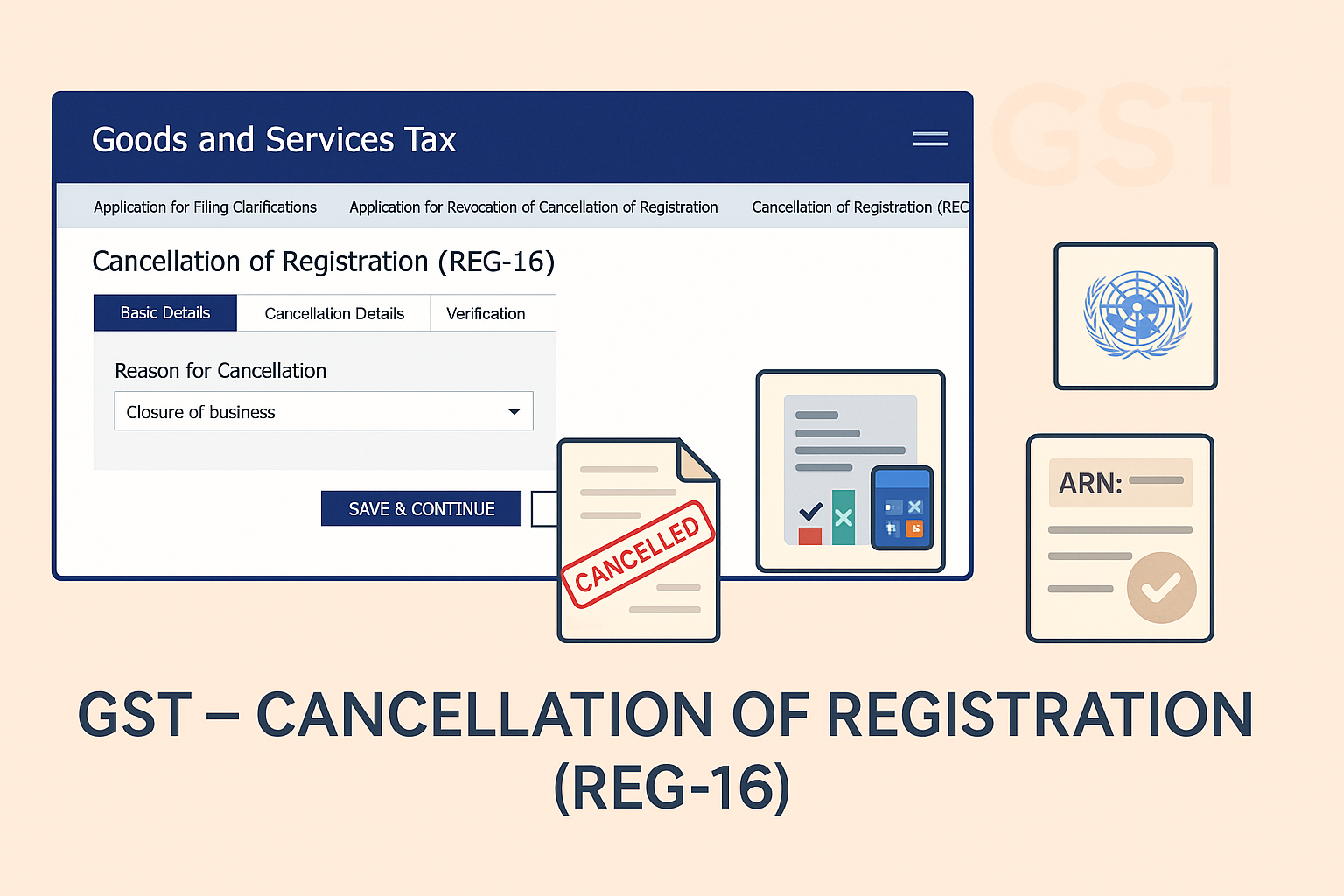
Cancellation of GST Registration (Application by Taxpayer)
Edition: September 2025
Disclaimer: This manual is for compliance facilitation. It does not substitute statutory provisions, notifications, or circulars. Taxpayers must verify with the CGST/SGST Acts, Rules, and GSTN updates.
✍️ Preface
GST registration can be cancelled by a registered person if they cease to be liable, close their business, change constitution, or transfer business. The application must be filed electronically on the GST Portal in Form GST REG-16 within 30 days of the event warranting cancellation.
This manual consolidates the law, procedure, timelines, FAQs with statutory basis, and a compliance checklist.
📑 Table of Contents
-
Law Governing Cancellation
-
Grounds for Voluntary Cancellation
-
Step-by-Step Filing Process
-
Timelines & Effective Date
-
Withdrawal of Application
-
FAQs (with Basis)
-
Compliance Checklist (Fillable Format)
⚖️ 1. Law Governing Cancellation
-
Section 29, CGST Act, 2017 – Cancellation or suspension of registration.
-
Rule 20, CGST Rules, 2017 – Application for cancellation.
-
Form GST REG-16 – Prescribed for taxpayer’s application.
🎯 2. Grounds for Voluntary Cancellation
As per FAQs, cancellation can be applied when:
-
Discontinuance/closure of business.
-
Ceased to be liable to pay tax.
-
Change in constitution of business leading to PAN change.
-
Transfer of business by sale, merger, demerger, lease, etc.
-
Registered voluntarily but did not commence business.
-
Death of sole proprietor (legal heirs can apply).
Not available to:
-
TDS/TCS deductors.
-
Persons allotted UIN.
🛠️ 3. Step-by-Step Filing Process
As per GST Portal Manual:
-
Login: Visit www.gst.gov.in → Login with credentials.
-
Navigate: Services > Registration > Application for Cancellation of Registration.
-
Basic Details Tab: Auto-filled details; confirm or update “Address for Future Correspondence”. Save & Continue.
-
Cancellation Details Tab: Select reason:
-
Change in Constitution (PAN change) – Enter transferee GSTIN.
-
Ceased to be liable – Enter stock details & offset liability from cash/credit ledger.
-
Closure of business/Other reasons – Enter stock value & liability offset.
-
Transfer of business – Enter transferee GSTIN.
-
-
Verification Tab: Tick declaration → Select Authorized Signatory → Enter Place.
-
Submit using DSC/EVC (OTP on mobile/email).
-
ARN generated → Acknowledgement sent by SMS/email.
-
Tax Officer reviews and issues order.
⏰ 4. Timelines & Effective Date
-
Application to be filed within 30 days of event.
-
Effective date cannot be beyond 30 days from filing date.
-
GSTIN status shows Application filed for cancellation until order is passed.
📌 5. Withdrawal of Application
-
Allowed only if officer has not taken action.
-
Path: Services > User Services > View My Submissions → Withdraw option.
-
Once withdrawn, intimation sent to officer.
❓ 6. FAQs (with Basis)
Q1. Who can file application for cancellation?
Existing/migrated taxpayers or legal heirs in case of death. (FAQ 2)
Q2. Who cannot file?
TDS/TCS deductors, UIN holders. (FAQ 4)
Q3. What about stock held on cancellation date?
Tax liability on stock must be paid, offset from cash/credit ledger. (FAQ 6)
Q4. Is it mandatory to give reasons?
Yes, in Reason for Cancellation field. (FAQ 15)
Q5. Can I amend registration after applying for cancellation?
Core fields – No. Non-core fields – Yes, until officer acts. (FAQ 10-11)
Q6. What if suo moto cancellation proceedings are initiated?
Then taxpayer cannot file cancellation application. (FAQ 19-21)
Q7. What is status after filing?
GSTIN shows “Suspended” until order issued. (FAQ 23-25)
✅ 7. Compliance Checklist (Fillable Format)
| Step | Particulars | Status (✔) |
|---|---|---|
| 1 | Ensure valid grounds for cancellation | ⬜ |
| 2 | File Form REG-16 within 30 days | ⬜ |
| 3 | Enter stock details & offset liability | ⬜ |
| 4 | Provide transferee GSTIN (if applicable) | ⬜ |
| 5 | Verify & submit with DSC/EVC | ⬜ |
| 6 | Save ARN acknowledgement | ⬜ |
| 7 | Track order in Notices & Orders | ⬜ |
| 8 | If needed, withdraw before officer action | ⬜ |