Electronic Credit Ledger & Re-claimed Statement
Edition: September 2025
Disclaimer: This manual is for compliance facilitation. It does not substitute statutory provisions, notifications, or circulars. Taxpayers must verify with the CGST/SGST Acts, Rules, and GSTN updates.
✍️ Preface
The Electronic Credit Ledger (ECL) records Input Tax Credit (ITC) accrued by taxpayers. It shows the credit balance, provisional credit, and blocked credit. Taxpayers can also view the Electronic Credit Reversal & Re-claimed Statement, which provides details of ITC reversed and re-claimed in each return period. This report explains the legal basis, steps to view, FAQs, and a compliance checklist.
⚖️ 1. Law Basis
-
Section 49(2), CGST Act, 2017 – ITC is credited to the Electronic Credit Ledger.
-
Rule 86, CGST Rules, 2017 – Maintenance and utilization of ECL.
-
Section 16, CGST Act, 2017 – Eligibility & conditions for claiming ITC.
-
Rule 86A, CGST Rules, 2017 – Power of officer to block ITC.
🛠️ 2. Step-by-Step Process to View Electronic Credit Ledger
-
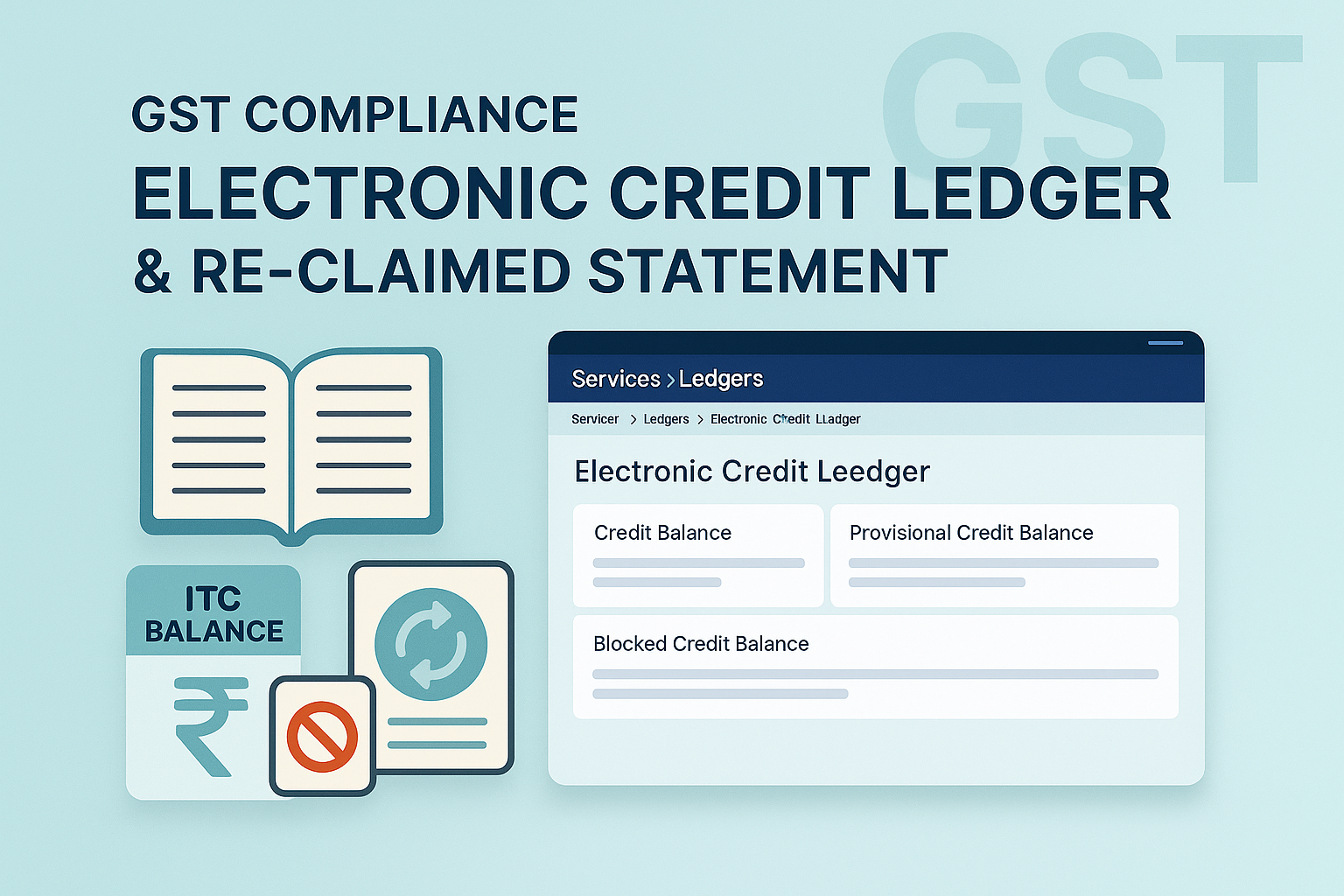
Login at www.gst.gov.in → Services > Ledgers > Electronic Credit Ledger.
-
The page displays:
-
Credit Balance as on date.
-
Provisional Credit Balance.
-
Blocked Credit Balance.
-
-
Select From/To date → Click GO to view transactions.
-
Use Save as PDF/Excel to download.
-
Click Description (Blocked/Unblocked) to see tax officer’s action details.
🛠️ 3. Step-by-Step Process to View Re-claimed Statement
-
Login → Services > Ledgers > Electronic Credit Reversal & Re-claimed Statement.
-
Or use Dashboard > Quick Links.
-
-
The page shows total ITC reversed and total ITC reclaimed for each return period.
-
Use Download Opening Balance (PDF) to validate opening data.
-
Select From/To date (max 12 months per view).
-
Save/download statement in Excel/PDF for records.
📌 4. Monitoring Credit & Blocked Balances
-
Credit Utilization Rules:
-
IGST ITC → First for IGST, then CGST/SGST.
-
CGST ITC → First for CGST, then IGST.
-
SGST ITC → First for SGST, then IGST.
-
No cross-utilization between CGST & SGST.
-
Cess ITC → Only for cess liability.
-
-
Blocked ITC: Jurisdictional Officer may block ITC (Rule 86A). Balance may turn negative if blocked in excess.
-
Unblocking: Officer may unblock ITC after investigation.
❓ 5. FAQs (with Basis)
Q1. What is an Electronic Credit Ledger?
A register showing ITC balance, maintained by GST System under Rule 86.
Q2. Who can access it?
Only taxpayer, authorised GST practitioner, or Jurisdictional Officer.
Q3. How can credit be utilized?
As per utilization hierarchy under Section 49 and Rule 86.
Q4. Can officers debit/credit my ledger?
Yes, in exceptional cases of demand, ITC can be blocked or debited by officer (Rule 86A).
Q5. Can I download the ledger?
Yes, in PDF or CSV from the portal.
Q6. Can ITC be used for penalties/fees?
No, only against tax liabilities.
Q7. Can I see transitional or blocked ITC?
Yes, visible separately under the ledger menu.
✅ 6. Compliance Checklist
| Step | Particulars | Status (✔) |
|---|---|---|
| 1 | Login → Services > Ledgers > Electronic Credit Ledger | ⬜ |
| 2 | Select period (From/To) | ⬜ |
| 3 | View balances: Credit, Provisional, Blocked | ⬜ |
| 4 | Download ledger (PDF/Excel) | ⬜ |
| 5 | View Blocked/Unblocked ITC | ⬜ |
| 6 | Navigate to Reversal & Re-claimed Statement | ⬜ |
| 7 | Download opening balance & validate | ⬜ |
| 8 | Monitor ITC utilization as per Sec. 49 rules | ⬜ |