Thursday, April 23, 2026
HomeResourcesHow do I?GST Compliance – Intimation for Refund Not Received (RFD-01A)

GST Compliance – Intimation for Refund Not Received (RFD-01A)

Submitting Intimation on Account of Refund Not Received (Form GST RFD-01A)

Edition: September 2025
Disclaimer: This manual is for compliance facilitation. It does not substitute statutory provisions, notifications, or circulars. Taxpayers must verify with the CGST/SGST Acts, Rules, and GSTN updates.


✍️ Preface

In cases where refund applications have been filed in Form GST RFD-01A, but refund amount has not been received, taxpayers can file an Intimation on Account of Refund Not Received through the GST Portal. This ensures the issue is flagged for corrective action. This report explains the law basis, process, FAQs, and compliance checklist.


⚖️ 1. Law Basis

  • Section 54, CGST Act, 2017 – Refund of tax.

  • Rule 89–97, CGST Rules, 2017 – Refund provisions.

  • GSTN portal facility for filing intimation regarding non-receipt of refund.


🛠️ 2. Step-by-Step Process – Filing Intimation

  1. Login at www.gst.gov.in.

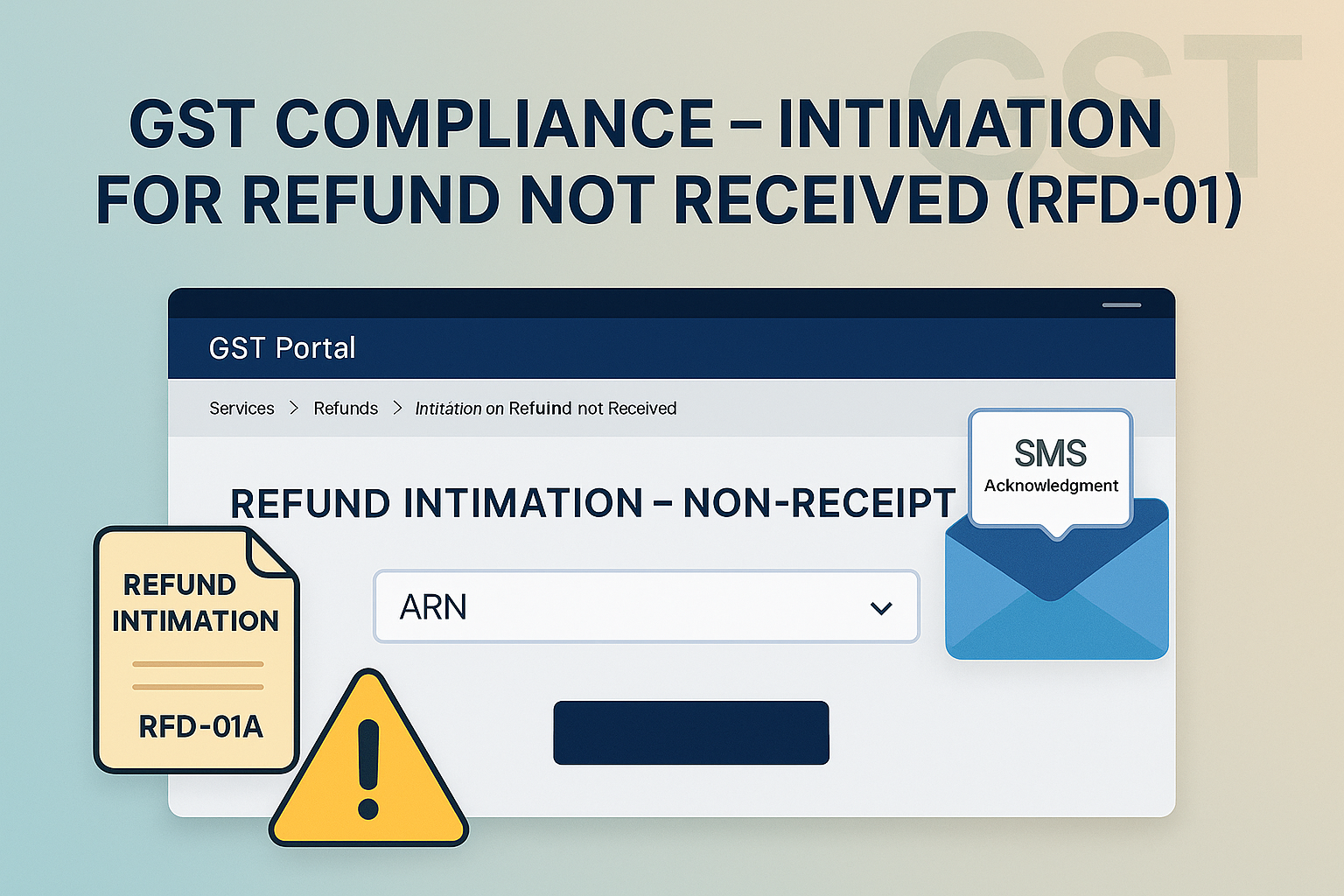
  2. Navigate to Services > Refunds > Intimation on Account of Refund Not Received.

  3. Select the ARN from the drop-down list.

    • Refund application period & claimed refund amount auto-populated.

  4. Select Issue Category from drop-down → Enter comments.

    • Multiple intimations allowed for same ARN, but not for the same Issue Category (except “Any issue other than above”).

  5. Tick Declaration checkbox → Select Authorized Signatory → Enter Place.

  6. Click SUBMIT → PROCEED → File with DSC/EVC.

  7. Success message displayed → Intimation Reference Number generated.

  8. SMS sent to registered mobile number with acknowledgement.


📌 3. Key Features

  • Functionality available only post-login.

  • Multiple intimations possible for same ARN, but not for duplicate issue categories.

  • Once submitted, intimation cannot be revised/edited.

  • Intimation Reference Number generated for each submission.

  • No tracking functionality available for intimations filed.


4. FAQs (with Basis)

Q1. What is the purpose of this facility?
To intimate GST authorities about non-receipt of refund amount for filed RFD-01A applications.

Q2. Can I file without login?
No, login is mandatory.

Q3. Can I file multiple intimations for same ARN?
Yes, but not for the same Issue Category (except “Any issue other than above”).

Q4. Do I get an acknowledgement?
Yes, Intimation Reference Number generated + SMS sent.

Q5. Can I track intimation status?
No, tracking functionality not available.


5. Compliance Checklist

Step Particulars Status (✔)
1 Login → Services > Refunds > Intimation on Refund Not Received
2 Select ARN → Auto-fetch refund period & amount
3 Select Issue Category → Enter comments
4 Submit with DSC/EVC
5 Note Intimation Reference Number & SMS acknowledgement
6 File fresh intimation for other issues if required

RELATED ARTICLES

Leave a Reply

Most Popular

Recent Comments

Discover more from GST Indiaguide

Subscribe now to keep reading and get access to the full archive.

Continue reading