Make GST Payments via NEFT/RTGS
Edition: September 2025
Disclaimer: This manual is for compliance facilitation. It does not substitute statutory provisions, notifications, or circulars. Taxpayers must verify with the GST Act/Rules, CBIC instructions, and GSTN updates.
✍️ Preface
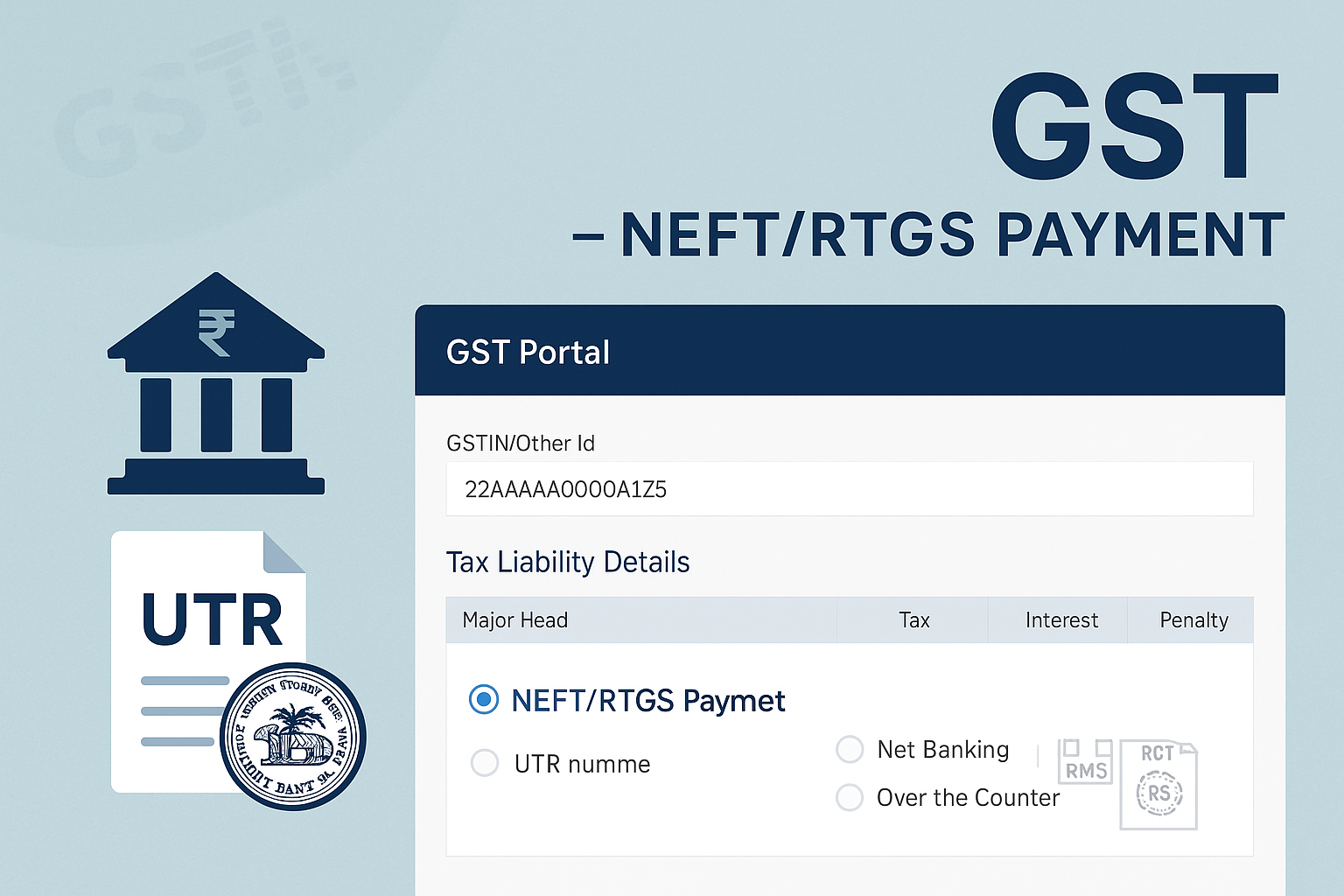
The GST Portal allows taxpayers to pay dues through NEFT (National Electronic Funds Transfer) and RTGS (Real-Time Gross Settlement). This offline mode helps taxpayers using non-agency banks or those preferring manual transfer. Payments are routed through RBI and updated on the GST Portal upon confirmation.
This manual consolidates the law basis, step-by-step process, UTR linkage, FAQs with statutory basis, and a compliance checklist.
📑 Table of Contents
-
Law Basis & Features
-
Step-by-Step Process
-
UTR Number & Linking
-
Limits & Banking Hours
-
FAQs (with Basis)
-
Compliance Checklist (Fillable Format)
⚖️ 1. Law Basis & Features
-
Section 49, CGST Act, 2017 – Payment of tax, interest, penalty, fee, or any other amount.
-
Rule 87, CGST Rules, 2017 – Electronic Cash Ledger and NEFT/RTGS challan system.
-
GSTN Guidelines – Offline payments allowed through RBI confirmation.
Key Features:
-
Can be used through non-agency banks.
-
Mandatory UTR (Unique Transaction Reference) Number for reconciliation.
🛠️ 2. Step-by-Step Process
A. Pre-Login & Post-Login Challan Generation:
-
Go to www.gst.gov.in.
-
Create Challan (Services > Payments > Create Challan).
-
Select Mode of Payment = NEFT/RTGS.
-
Download challan copy → Contains Beneficiary Account Details.
-
Print challan and visit selected bank branch.
-
Pay via cheque (for NEFT/RTGS) within challan validity.
-
Bank processes transfer → RBI confirms → GST Portal updates status.
B. Online Transfer Option (via Bank Portal):
-
Login to bank account.
-
Add beneficiary as per challan details.
-
Transfer funds through NEFT/RTGS.
📌 3. UTR Number & Linking
-
UTR Number: Unique ID assigned by bank for each NEFT/RTGS transaction.
-
If payment status not updated on GST Portal within 2 hours, taxpayer must:
-
Go to Challan History.
-
Select challan and click Link UTR.
-
Enter UTR to reconcile with RBI records.
-
📌 4. Limits & Banking Hours
-
NEFT: As per RBI rules, can transfer from Re. 1 up to ₹1,99,999 (limit varies by bank).
-
RTGS: Minimum ₹2,00,000, no upper limit.
-
Payments allowed only during banking hours of the taxpayer’s branch.
❓ 5. FAQs (with Basis)
Q1. Can GST payment be made from non-agency banks?
Yes, using NEFT/RTGS. (FAQ 1)
Q2. What charges apply on NEFT/RTGS?
Charges vary; check respective bank websites. (FAQ 2)
Q3. What if payment fails but amount is debited?
Contact the remitting bank for refund. (FAQ 4)
Q4. Can multiple NEFT/RTGS payments be made for one CPIN?
No, one transaction per CPIN. (FAQ 8)
Q5. Is cash or DD allowed for NEFT/RTGS mode?
No, only cheque transactions permitted. (FAQ 13)
✅ 6. Compliance Checklist (Fillable Format)
| Step | Particulars | Status (✔) |
|---|---|---|
| 1 | Create challan via GST Portal | ⬜ |
| 2 | Select NEFT/RTGS as mode of payment | ⬜ |
| 3 | Download challan copy with beneficiary details | ⬜ |
| 4 | Pay via cheque/online bank transfer | ⬜ |
| 5 | Ensure UTR generated by bank | ⬜ |
| 6 | If status not updated, link UTR via Challan History | ⬜ |
| 7 | Verify CIN & update in Cash Ledger | ⬜ |
| 8 | Download payment receipt from GST Portal | ⬜ |