


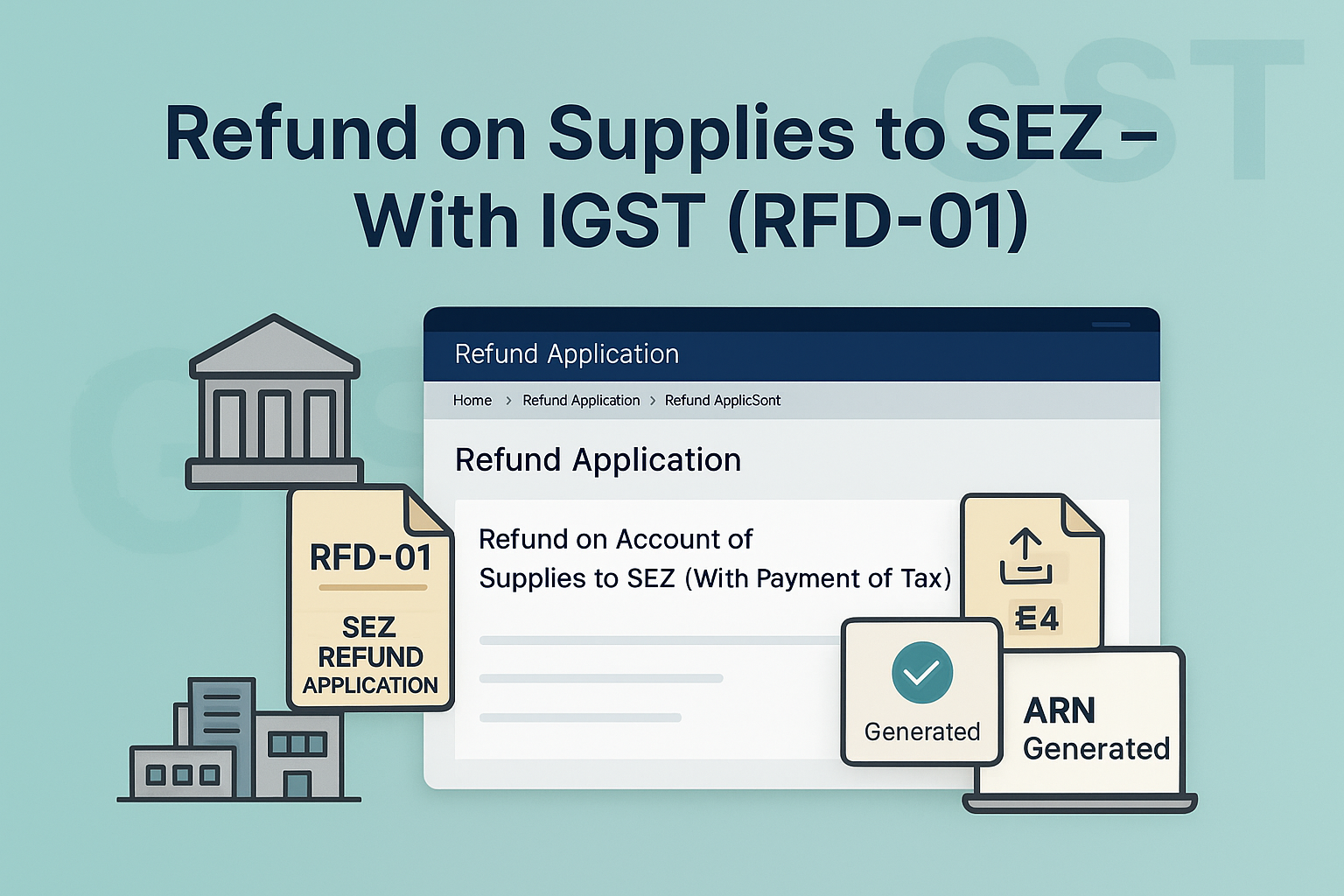
Refund on Account of Supplies made to SEZ Unit/Developer (With Payment of Tax)
Edition: September 2025
Disclaimer: This manual is for compliance facilitation. It does not substitute statutory provisions, notifications, or circulars. Taxpayers must verify with the CGST/SGST Acts, Rules, and GSTN updates.
✍️ Preface
Supplies made to SEZ Units/Developers with payment of IGST are zero-rated supplies under the IGST Act. Exporters can claim refund of IGST paid by filing Form GST RFD-01. This report explains the law basis, filing process, FAQs, and compliance checklist.
⚖️ 1. Law Basis
-
Section 16, IGST Act, 2017 – Zero-rated supplies.
-
Section 54, CGST Act, 2017 – Refund of tax.
-
Rule 89(1), CGST Rules, 2017 – Application for refund.
🛠️ 2. Step-by-Step Process – Filing Refund Application (RFD-01)
-
Login → www.gst.gov.in → Services > Refunds > Application for Refund.
-
Select refund type: Refund on account of Supplies to SEZ unit/SEZ Developer (with payment of tax).
-
Select tax period → Click CREATE REFUND APPLICATION.
-
For NIL refund → Select Yes, declaration → File with DSC/EVC.
-
For refund claim:
-
Download Offline Utility – Statement 4.
-
Enter invoice/debit/credit note details, GSTIN of recipient, tax paid.
-
Validate & Calculate → Correct errors → Generate JSON file.
-
Upload JSON file → Validate statement.
-
-
Refund amount auto-populated in RFD-01 based on statement.
-
Select bank account from drop-down.
-
Upload supporting documents (up to 10 files, ≤ 5 MB each).
-
Preview refund application → Declaration & Undertaking → File with DSC/EVC.
-
ARN generated → Acknowledgement sent via SMS/Email.
-
Refund application assigned to Refund Processing Officer.
📌 3. Key Features
-
Preconditions:
-
Filed GSTR-1 & valid GSTR-3B.
-
Supplies to SEZ declared in Table 6B of GSTR-1.
-
Taxes paid on such supplies.
-
Declaration that SEZ has not availed ITC.
-
Goods admitted/services received for authorized operations.
-
-
Statement 4 mandatory → validated with GSTR-1 & 3B data.
-
Can file refund for multiple tax periods across financial years.
-
NIL refund also possible for one/more periods.
-
Saved applications valid for 15 days.
-
Refund credited to registered bank account (added at GST registration).
-
ARN receipt = proof of filing → Application tracked via “Track Application Status”.
❓ 4. FAQs (with Basis)
Q1. What are the preconditions to file this refund?
GSTR-1 & 3B filed, supplies declared in Table 6B, tax paid, SEZ not availed ITC, goods/services received for authorized ops.
Q2. Is uploading Statement 4 mandatory?
Yes, validated with GSTR-1 and GSTR-3B.
Q3. Can I club different FY periods?
Yes, refunds across financial years can be clubbed.
Q4. Can I file NIL refund?
Yes, for one or multiple periods.
Q5. How is refund credited?
To registered bank account chosen in RFD-01.
Q6. How do I track refund?
Via Services → Refunds → Track Application Status.
✅ 5. Compliance Checklist
| Step | Particulars | Status (✔) |
|---|---|---|
| 1 | Login → Refund Application → Select SEZ (with payment of tax) | ⬜ |
| 2 | Select Tax Period → Create Refund Application | ⬜ |
| 3 | Download & Fill Statement 4 → Upload JSON | ⬜ |
| 4 | Validate & Correct errors → Confirm statement | ⬜ |
| 5 | Upload supporting documents | ⬜ |
| 6 | Select bank account → Declaration → File with DSC/EVC | ⬜ |
| 7 | ARN generated → SMS/Email acknowledgement | ⬜ |
| 8 | Refund application assigned to officer | ⬜ |
| 9 | Track refund via portal | ⬜ |

