


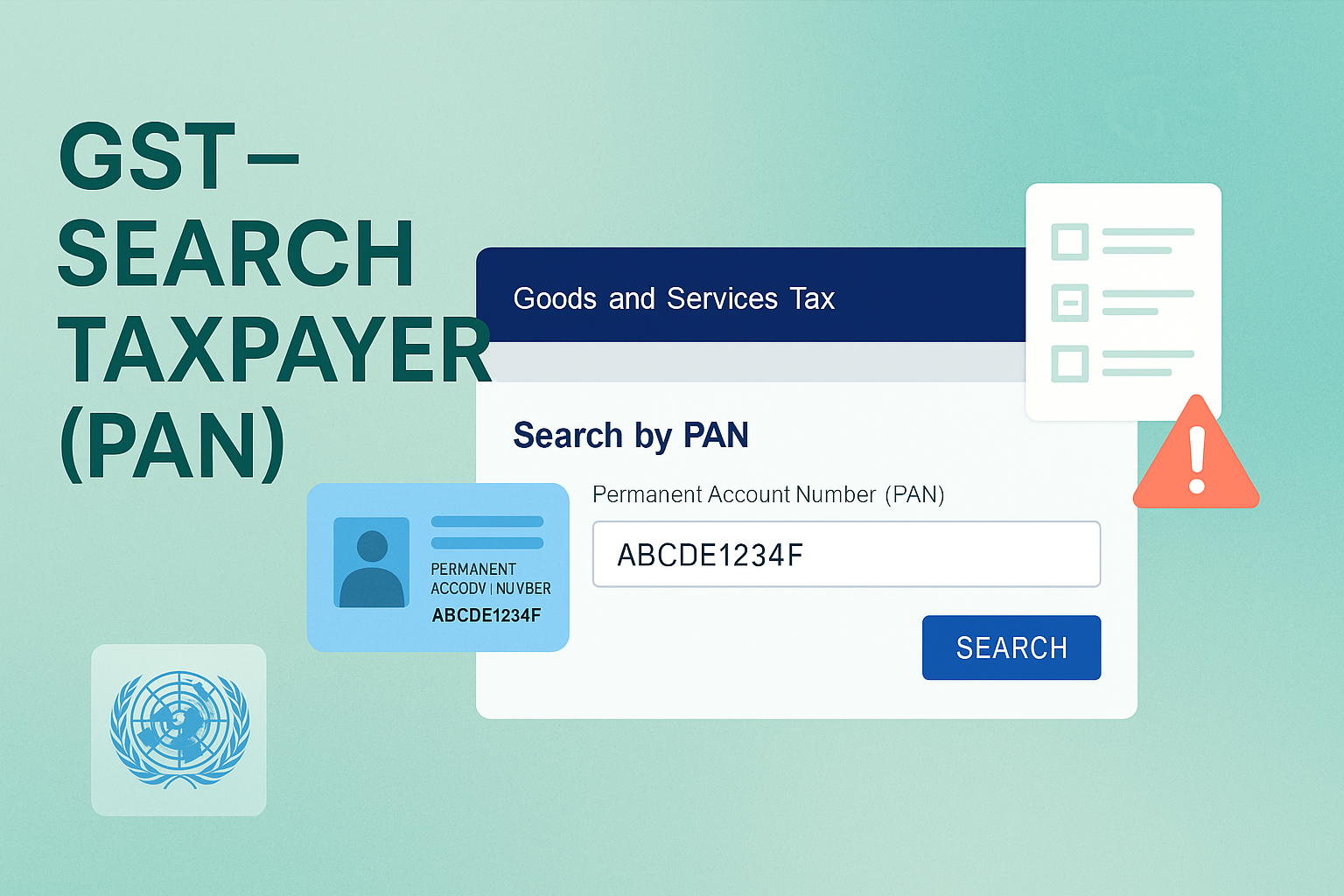
Search Taxpayers Using PAN
Edition: September 2025
Disclaimer: This manual is for compliance facilitation. It does not substitute statutory provisions, notifications, or circulars. Taxpayers must verify with the CGST/SGST Acts, Rules, and GSTN updates.
✍️ Preface
The GST Portal provides a Search by PAN facility to view all GSTINs registered against a particular PAN across States/UTs. It also allows taxpayers to register complaints against misuse of their PAN if any unauthorized registration has been obtained.
This manual consolidates the law basis, search process (pre-login & post-login), complaint filing, FAQs with statutory basis, and a compliance checklist.
📑 Table of Contents
-
Law Basis for Search by PAN
-
Details Available Pre-Login
-
Details Available Post-Login
-
Registering Complaint for Misuse of PAN
-
Step-by-Step Process
-
FAQs (with Basis)
-
Compliance Checklist (Fillable Format)
⚖️ 1. Law Basis for Search by PAN
-
Section 25, CGST Act, 2017 – Mandates registration of taxable persons.
-
Rule 10, CGST Rules, 2017 – Registration certificate.
-
GSTN Guidelines – Provide taxpayer search functionality using PAN.
📌 2. Details Available Pre-Login
Without login, a user can:
-
Search by PAN.
-
View all GSTINs/UINs mapped to PAN.
-
Check status of each GSTIN (active/cancelled).
-
View basic registration details.
📌 3. Details Available Post-Login
After login, user can also view:
-
Jurisdiction details (Centre & State).
-
Business constitution & activities.
-
Place of Business (Principal & Additional).
-
Promoters/Partners/Directors (with contact info).
-
Filing details (returns, cancellation date, etc.).
🛠️ 4. Registering Complaint for Misuse of PAN
If GSTINs are wrongly registered using your PAN, you can file complaint:
-
Go to Search Taxpayer > Search by PAN.
-
Enter PAN → Captcha → Search.
-
Select GSTIN(s) wrongly mapped.
-
Provide details: Date of Birth, Address, Email & Mobile.
-
Complete Aadhaar Authentication using OTP.
-
Complaint submitted → ARN generated → Sent to Jurisdictional Officer.
Note:
-
OTP validity = 10 minutes.
-
Multiple GSTINs can be reported at one go.
-
Status can be tracked under Services > Track Application Status > Registration.
📌 5. Step-by-Step Process
Pre-Login Search:
-
Go to www.gst.gov.in.
-
Click Search Taxpayer > Search by PAN.
-
Enter PAN → Captcha → SEARCH.
-
Results: List of GSTINs/UINs under the PAN.
-
Click GSTIN hyperlink → Redirected to Search by GSTIN/UIN page → Detailed view.
Post-Login Search:
-
Login → Go to Search Taxpayer > Search by PAN.
-
Enter PAN → Click SEARCH.
-
Detailed GSTIN profile displayed.
❓ 6. FAQs (with Basis)
Q1. What is Search by PAN?
It allows viewing all GSTINs mapped to a PAN. (FAQ 1)
Q2. Can I search without logging in?
Yes, both pre-login and post-login searches are available. (FAQ 2)
Q3. What details are shown pre vs post login?
Pre-login: GSTIN, Legal Name, Status, Business Constitution, Returns.
Post-login: Promoter names, contact details, additional business places. (FAQ 3)
Q4. How to complain if PAN misused?
Through Search by PAN → Select GSTIN → Aadhaar Authentication → Submit. (FAQ 4–5)
Q5. Can I complain against multiple fake GSTINs?
Yes, multiple GSTINs can be selected. (FAQ 6)
Q6. Is Aadhaar authentication mandatory?
Yes, OTP from UIDAI is required. (FAQ 8)
Q7. What happens after complaint submission?
ARN generated → Sent to Jurisdictional Officer → Action taken under GST Law. (FAQ 11–12)
✅ 7. Compliance Checklist (Fillable Format)
| Step | Particulars | Status (✔) |
|---|---|---|
| 1 | Open GST Portal → Search Taxpayer > Search by PAN | ⬜ |
| 2 | Enter PAN & Captcha → Search | ⬜ |
| 3 | View list of GSTINs mapped to PAN | ⬜ |
| 4 | For misuse complaint: Select GSTIN(s) → Enter DOB, Email, Mobile | ⬜ |
| 5 | Complete Aadhaar Authentication via OTP | ⬜ |
| 6 | Submit complaint → ARN generated | ⬜ |
| 7 | Track status under Services > Track Application Status > Registration | ⬜ |

