
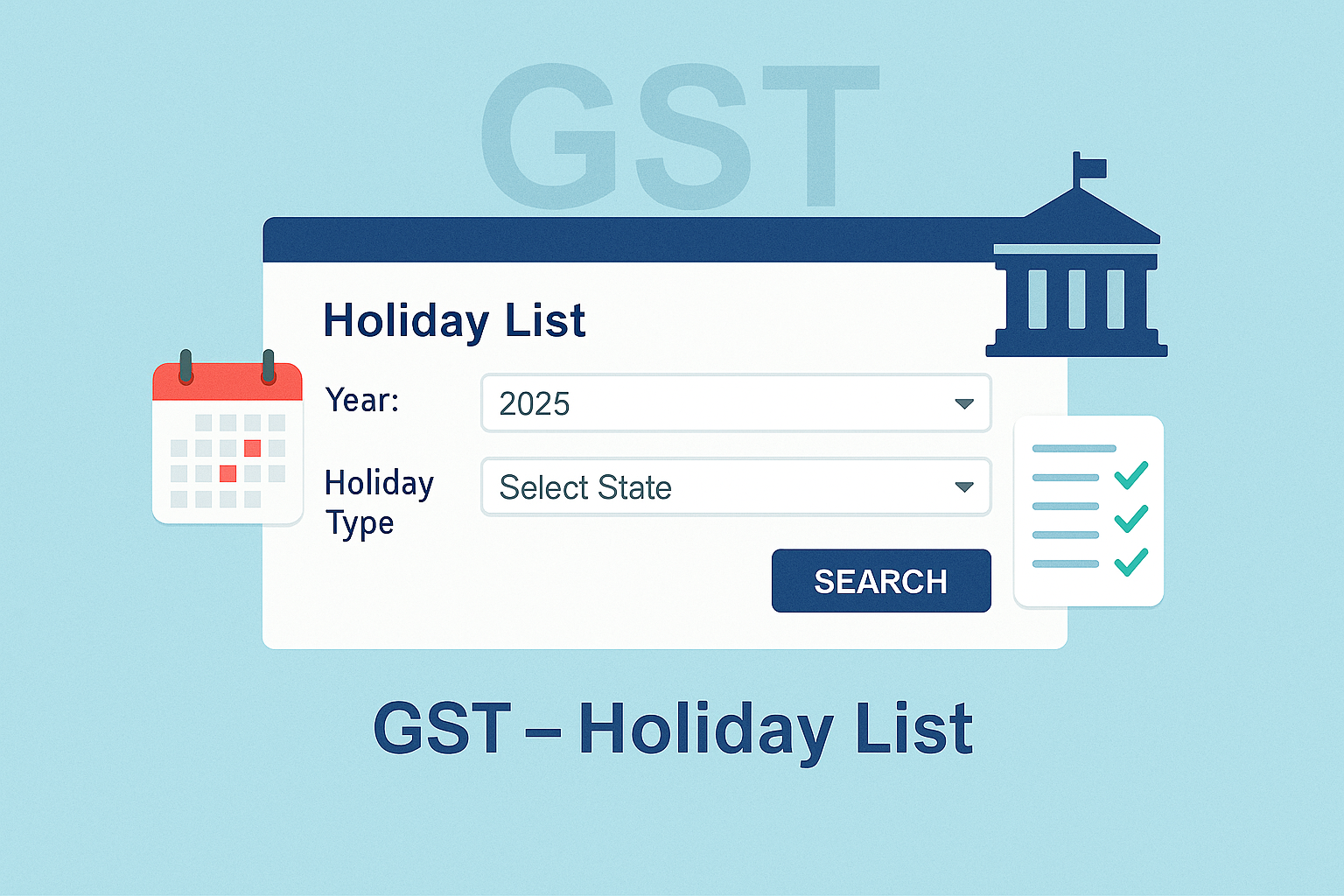
Viewing Holiday List on GST Portal
Edition: September 2025
Disclaimer: This manual is for compliance facilitation. It does not substitute statutory provisions, notifications, or circulars. Taxpayers must verify with CBIC/State GST Departments and GSTN updates.
✍️ Preface
The GST Portal provides a Holiday List facility to enable taxpayers, officers, and practitioners to know the working and non-working days of Central and State GST Departments. This ensures timely compliance and avoids delays in filing or responding to notices.
This manual consolidates the law basis, navigation process, FAQs with statutory basis, and a compliance checklist.
📑 Table of Contents
-
Scope of Holiday List
-
Step-by-Step Process
-
Features of Holiday List
-
FAQs (with Basis)
-
Compliance Checklist (Fillable Format)
⚖️ 1. Scope of Holiday List
-
Covers Central Government holidays.
-
Covers State/UT Government holidays.
-
Data is provided by States/UTs/CBIC and is provisional.
🛠️ 2. Step-by-Step Process
As per GST Portal Manual:
-
Go to www.gst.gov.in.
-
Pre-login:
-
Click Services > User Services > Holiday List.
-
-
Post-login:
-
Login with valid credentials.
-
Navigate Services > User Services > Holiday List.
-
-
Select the Year from the dropdown.
-
Select State in the Holiday Type dropdown (multiple States can be selected).
-
Click SEARCH.
-
System displays list of holidays for chosen year and States.
📌 3. Features of Holiday List
-
Available both pre-login and post-login.
-
Allows multiple States selection at a time.
-
Displays holidays of selected year for Central/State GST Departments.
❓ 4. FAQs (with Basis)
Q1. How can I know the holidays of GST Departments?
By using Holiday List facility under User Services on GST Portal. (FAQ)
Q2. Is the list final?
No, it is provisional and based on data from States/UTs/CBIC. (FAQ)
Q3. Can I check multiple States at once?
Yes, the portal allows multiple States to be selected. (Manual)
Q4. Is login necessary?
No, the facility is available both pre-login and post-login. (Manual)
✅ 5. Compliance Checklist (Fillable Format)
| Step | Particulars | Status (✔) |
|---|---|---|
| 1 | Open GST Portal | ⬜ |
| 2 | Navigate to Services > User Services > Holiday List | ⬜ |
| 3 | Select Year | ⬜ |
| 4 | Select State(s) | ⬜ |
| 5 | Click SEARCH | ⬜ |
| 6 | View displayed holiday list | ⬜ |