


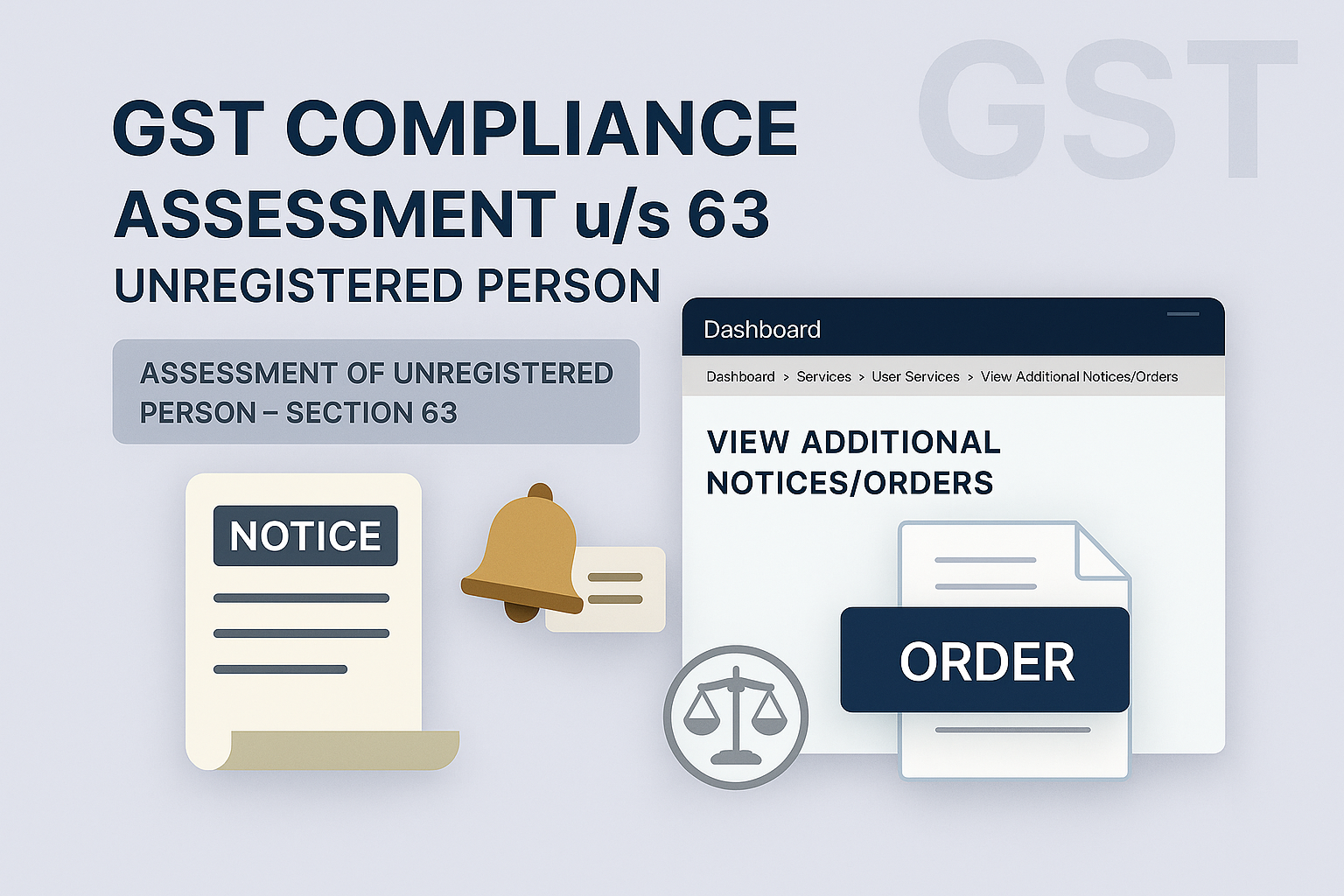
Viewing Notices and Orders during Assessment Proceedings u/s 63 (Unregistered Person)
Edition: September 2025
Disclaimer: This manual is for compliance facilitation. It does not substitute statutory provisions, notifications, or circulars. Taxpayers must verify with the CGST/SGST Acts, Rules, and GSTN updates.
✍️ Preface
Assessment proceedings u/s 63 of the CGST Act are initiated against unregistered persons who are liable to pay tax but have failed to obtain registration or whose registration has been cancelled. Notices and orders issued in such proceedings can be viewed through the GST Portal. This report explains the law basis, stepwise portal process, FAQs, and compliance checklist.
⚖️ 1. Law Basis
-
Section 63, CGST Act, 2017 – Assessment of unregistered persons.
-
Section 79, CGST Act, 2017 – Recovery of tax dues.
-
Rule 142, CGST Rules, 2017 – Notice and order for demand.
🛠️ 2. Step-by-Step Process – Viewing Notices & Orders u/s 63
A. Viewing Notices/Orders List
-
Login at www.gst.gov.in.
-
Navigate: Dashboard → Services → User Services → View Additional Notices/Orders.
-
The Additional Notices and Orders page displays all issued notices/orders in descending date order.
-
Use navigation to select the relevant notice/order → Click View → Case Details screen opens.
B. Case Details – Notices Tab
-
On the Case Details page, select the NOTICES tab (default view).
-
Download/view issued notices such as SCN, Reminder, Adjournment.
C. Case Details – Orders Tab
-
Select the ORDERS tab to view assessment orders issued in PDF.
-
Download available order(s), e.g., ASMT-15 Order or Drop Proceeding Order.
📌 3. Monitoring Statuses
During proceedings, case status may change as follows:
-
Pending for reply by taxpayer.
-
Reminder No. 1 / No. 2 / No. 3 issued.
-
Order for creation of demand issued (ASMT-15).
-
Order for dropping proceedings issued.
Intimations are sent via SMS/Email if details are available with tax authorities.
❓ 4. FAQs (with Basis)
Q1. Who is treated as “Unregistered Person”?
Persons liable to register but not registered, or those whose registration is cancelled and tax is payable.
Q2. How does assessment u/s 63 begin?
When officer detects liability through inspection, survey, enforcement, or intelligence.
Q3. What documents are issued?
System-generated SCN (ASMT-14) + detailed Annexure.
Q4. How are SCN and reminders served?
By post/special messenger for unregistered persons.
Q5. How much time is given for reply/personal hearing?
Generally 15 days; adjournment may be sought offline (max 3 times).
Q6. What if no reply/hearing attended?
Ex-parte ASMT-15 Order issued by officer.
Q7. What happens when an Assessment Order is issued?
ARN/Case ID status changes to “Order issued”; Electronic Liability Register updated with demand.
✅ 5. Compliance Checklist
| Step | Particulars | Status (✔) |
|---|---|---|
| 1 | Login → Services → User Services → View Additional Notices/Orders | ⬜ |
| 2 | Open Case Details page | ⬜ |
| 3 | Select NOTICES tab → Download notices | ⬜ |
| 4 | Select ORDERS tab → Download orders | ⬜ |
| 5 | Track case status updates (Pending, Reminder, Order) | ⬜ |
| 6 | If SCN issued → File reply/hearing request offline | ⬜ |
| 7 | Maintain copies of all notices/orders | ⬜ |

