


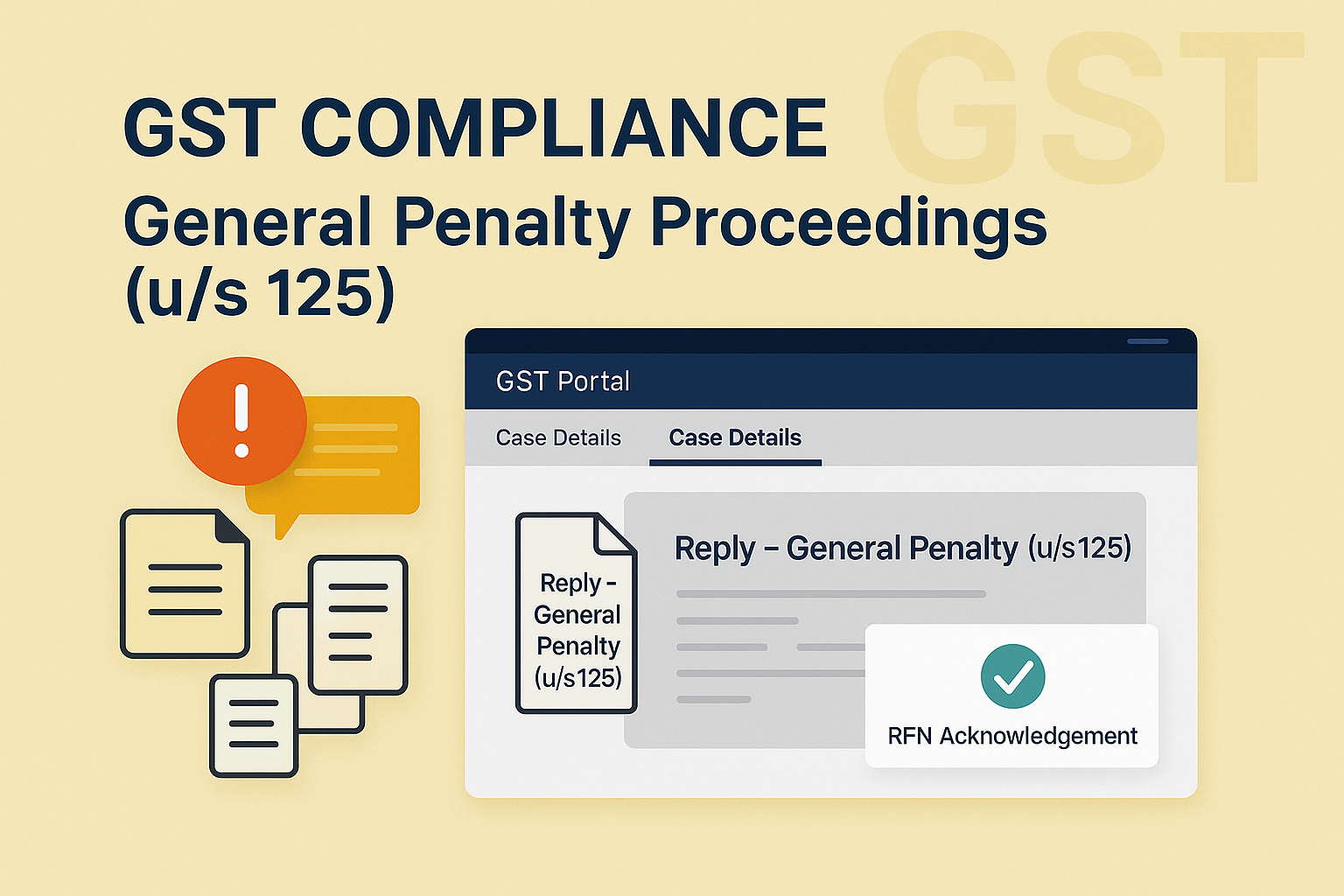
Filing Reply or Taking Actions during General Penalty Proceedings (u/s 125)
Edition: September 2025
Disclaimer: This manual is for compliance facilitation. It does not substitute statutory provisions, notifications, or circulars. Taxpayers must verify with the CGST/SGST Acts, Rules, and GSTN updates.
✍️ Preface
General Penalty Proceedings under Section 125 of the CGST Act apply when a taxpayer contravenes provisions of the Act or Rules for which no specific penalty is provided. The Adjudicating Authority (A/A) initiates these proceedings by issuing a Show Cause Notice (SCN). Taxpayers must file their reply online in the GST Portal using the REPLIES tab, and orders are communicated in the ORDERS tab. This report explains the law basis, process, FAQs, and compliance checklist.
⚖️ 1. Law Basis
-
Section 125, CGST Act, 2017 – General penalty for contraventions where no other penalty is provided.
-
Rule 142, CGST Rules, 2017 – Service of notice and order for demand.
🛠️ 2. Step-by-Step Process – Filing Reply in General Penalty Proceedings
A. View Notices
-
Login → Services > User Services > View Additional Notices/Orders.
-
Select case → Open Case Details → NOTICES tab.
-
Download SCN/Reminder/Adjournment notices from attachments.
B. File Reply (REPLIES tab)
-
On Case Details page → Select REPLIES tab → Add Reply → Show Cause Notice.
-
Enter details: Reply, Personal Hearing (Yes/No), supporting docs (optional).
-
Enter Verification → Select Authorized Signatory → Place.
-
Preview → File with DSC/EVC.
-
Success message → Reference Number (RFN) generated → Intimation via SMS/Email.
-
Status updated to Reply furnished, Pending for order by tax officer.
C. View Orders
-
On ORDERS tab → Download Order (General Penalty or Drop Proceedings).
📌 3. Key Features
-
SCN reply must be filed within 15 days (extendable offline by adjournment).
-
Maximum 3 reminders can be issued.
-
Maximum 3 adjournments can be granted.
-
Outcomes:
-
General Penalty Order → Demand created.
-
Drop Proceeding Order → Proceedings closed.
-
-
Intimations sent via Email/SMS at every stage (SCN, Reply, Reminder, Adjournment, Order).
-
Status changes include: Pending reply, Reply furnished, Reminders issued, Reply not furnished, Order passed.
❓ 4. FAQs (with Basis)
Q1. When can General Penalty be imposed?
When a person contravenes CGST/SGST provisions for which no separate penalty is provided.
Q2. Who can be penalized?
Both registered and unregistered persons.
Q3. Can penalty be levied twice for same default?
No, if penalty imposed under another section, Sec. 125 cannot apply for same default.
Q4. What is reply timeline?
15 days from issue of SCN (extendable).
Q5. What if reply is satisfactory?
Proceedings dropped → Drop Proceeding Order issued.
Q6. What if reply is unsatisfactory?
General Penalty Order issued → Demand created.
Q7. How many reminders/adjournments allowed?
Maximum 3 each.
✅ 5. Compliance Checklist
| Step | Particulars | Status (✔) |
|---|---|---|
| 1 | Login → View Additional Notices/Orders | ⬜ |
| 2 | Download SCN/Reminder/Adjournment | ⬜ |
| 3 | File reply via REPLIES tab | ⬜ |
| 4 | Enter details + upload docs (if any) | ⬜ |
| 5 | Submit with DSC/EVC → RFN generated | ⬜ |
| 6 | Track intimation via SMS/Email | ⬜ |
| 7 | View issued order in ORDERS tab | ⬜ |
| 8 | Maintain reply & order copies for records | ⬜ |

