


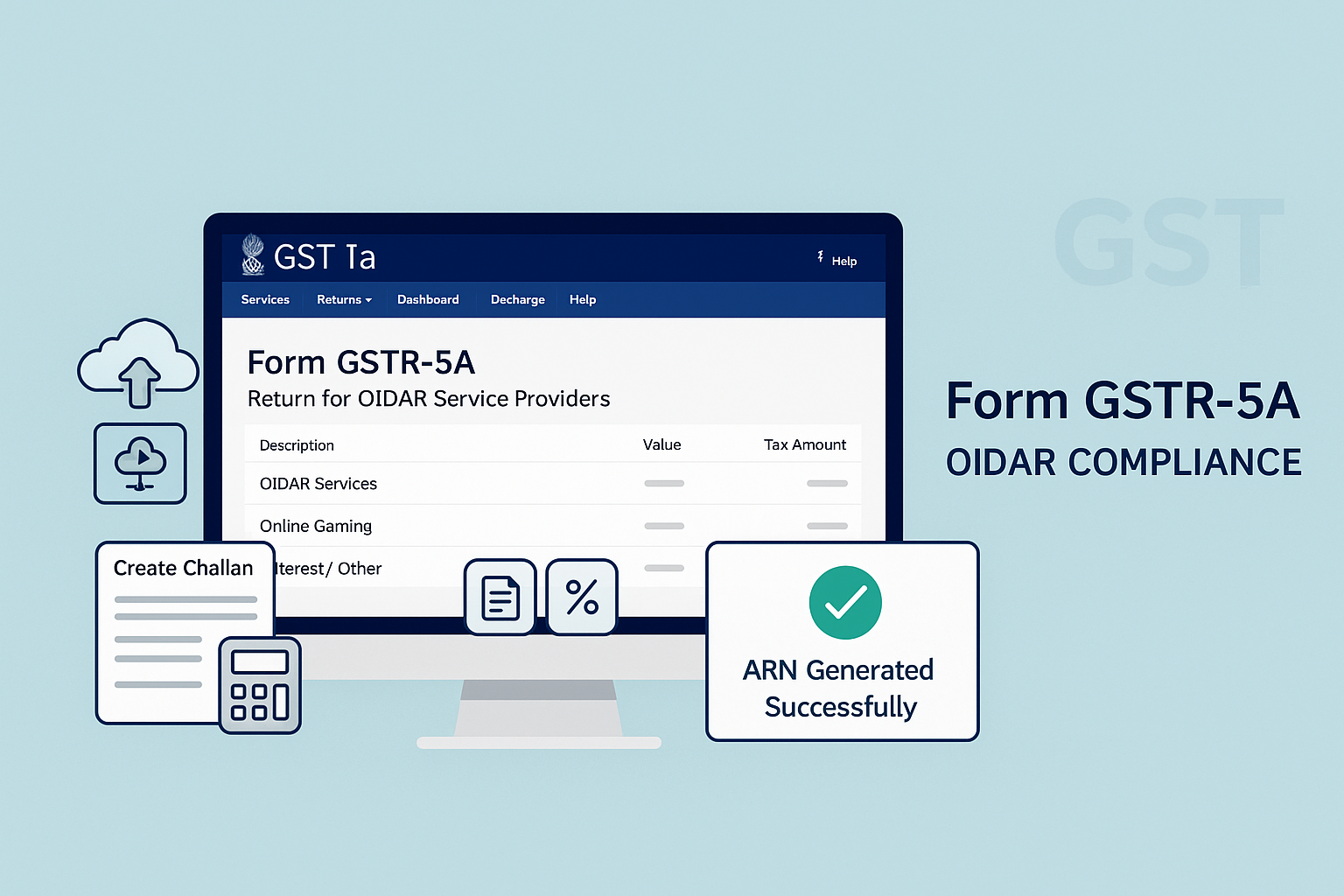
A. The Law
Relevant Sections – CGST Act, 2017
-
Section 24: Compulsory registration for non-resident OIDAR service providers.
-
Section 39(1): Furnishing of returns by every registered taxable person.
-
Section 47: Late fee for delay in filing returns.
Relevant Rules – CGST Rules, 2017
-
Rule 64: Prescribes return in Form GSTR-5A for providers of Online Information and Database Access or Retrieval Services (OIDAR) from outside India to non-taxable persons in India.
-
Rule 67: Requirement of tax payment at the time of registration.
Key Point:
-
Form GSTR-5A is to be filed by OIDAR service providers (including online money gaming) located outside India, for supplies made to:
-
Non-taxable persons in India.
-
Registered persons (under RCM basis).
-
-
Filing is mandatory, even if no business activity (Nil return).
-
Filing frequency: Monthly, by 20th of succeeding month (or extended date).
B. How Do I – Step-wise Compliance Process
Step 1: Login & Access
-
Visit gst.gov.in.
-
Login → Services → Returns → Returns Dashboard.
-
Select FY & Month → Click Search.
-
In GSTR-5A tile, click Prepare Online.
Step 2: Enter Details in Tables
-
Table 5 – Outward Supplies to Non-taxable Online Recipients
-
Add POS (State/UT), Taxable Value, Cess, Tax Rate.
-
-
Table 5A – Amendments to above supplies.
-
Table 5B – Outward Supplies to Registered Persons (RCM basis).
-
Enter GSTIN, Taxable Value, Tax.
-
-
Table 5C – Amendments to above B2B supplies.
-
Table 5D – Supplies of Online Money Gaming.
-
Table 5E – Amendments to Money Gaming Supplies.
-
Table 6 – Interest/Other Amounts
-
Enter interest, penalty, arrears (if any).
-
Step 3: Preview Draft
-
Click Preview Draft GSTR-5A (PDF) → Download draft summary.
-
To view full details of 5B & 5C, click Annexure PDF.
Step 4: Payment of Tax
-
Click Proceed to File → Table 7 auto-populated.
-
Compare liability with Electronic Cash Ledger balance.
-
If insufficient → Generate challan via Payments → Create Challan.
-
If sufficient → Offset directly.
-
-
Full liability must be discharged (partial payment not allowed).
Step 5: Filing
-
Tick Declaration checkbox.
-
Select Authorized Signatory.
-
File with:
-
DSC (based on Indian PAN), or
-
EVC (OTP sent to email/mobile).
-
-
Success message → Status = Filed.
-
ARN generated → SMS & Email confirmation sent.
C. FAQs (15 Practical Clarifications & Errors)
-
Who files GSTR-5A?
Non-resident OIDAR service providers. -
Is filing mandatory for Nil period?
Yes, even Nil return must be filed. -
Due date?
20th of next month (or extended). -
Can I file current period if previous pending?
No, previous period must be filed first. -
Modes of preparation?
Online on portal or via ASP/GSP integration. -
What is included in GSTR-5A?
Outward supplies to consumers, B2B under RCM, online gaming, amendments, interest. -
Can ITC be claimed?
No ITC allowed. -
Is there an Electronic Credit Ledger?
No, only Cash Ledger is available. -
Can part payment be made?
No, only full liability payment allowed. -
What if Cash Ledger insufficient?
Generate challan via Payments → Create Challan. -
What if filing delayed?
Currently, no late fee for GSTR-5A. -
What happens after filing?
ARN generated, email & SMS sent. -
Can return be reset after filing?
No reset option; only edit/delete before filing. -
What if invalid GSTIN entered in B2B?
Error message shown; must enter valid GSTIN. -
Can taxable value be zero?
Not allowed for most entries, except certain amendment cases.
D. Fillable Checklist – GSTR-5A
| Particulars | Details / Action | ✔ |
|---|---|---|
| GSTIN | ||
| Period (MMYYYY) | ||
| Non-taxable Outward Supplies Declared? | Yes / No | |
| Amendments (if any) Entered? | Yes / No | |
| B2B Supplies under RCM Declared? | Yes / No | |
| B2B Amendments Entered? | Yes / No | |
| Online Money Gaming Declared? | Yes / No | |
| Amendments to Gaming Declared? | Yes / No | |
| Interest/Other Liabilities Declared? | Yes / No | |
| Draft Preview Downloaded? | Yes / No | |
| Annexure Downloaded? | Yes / No | |
| Challan Generated (if req.)? | Yes / No | |
| Liability Offset Fully? | Yes / No | |
| Filed with | ☐ DSC ☐ EVC | |
| ARN Generated? | Yes / No | |
| Filed PDF Downloaded? | Yes / No |

