


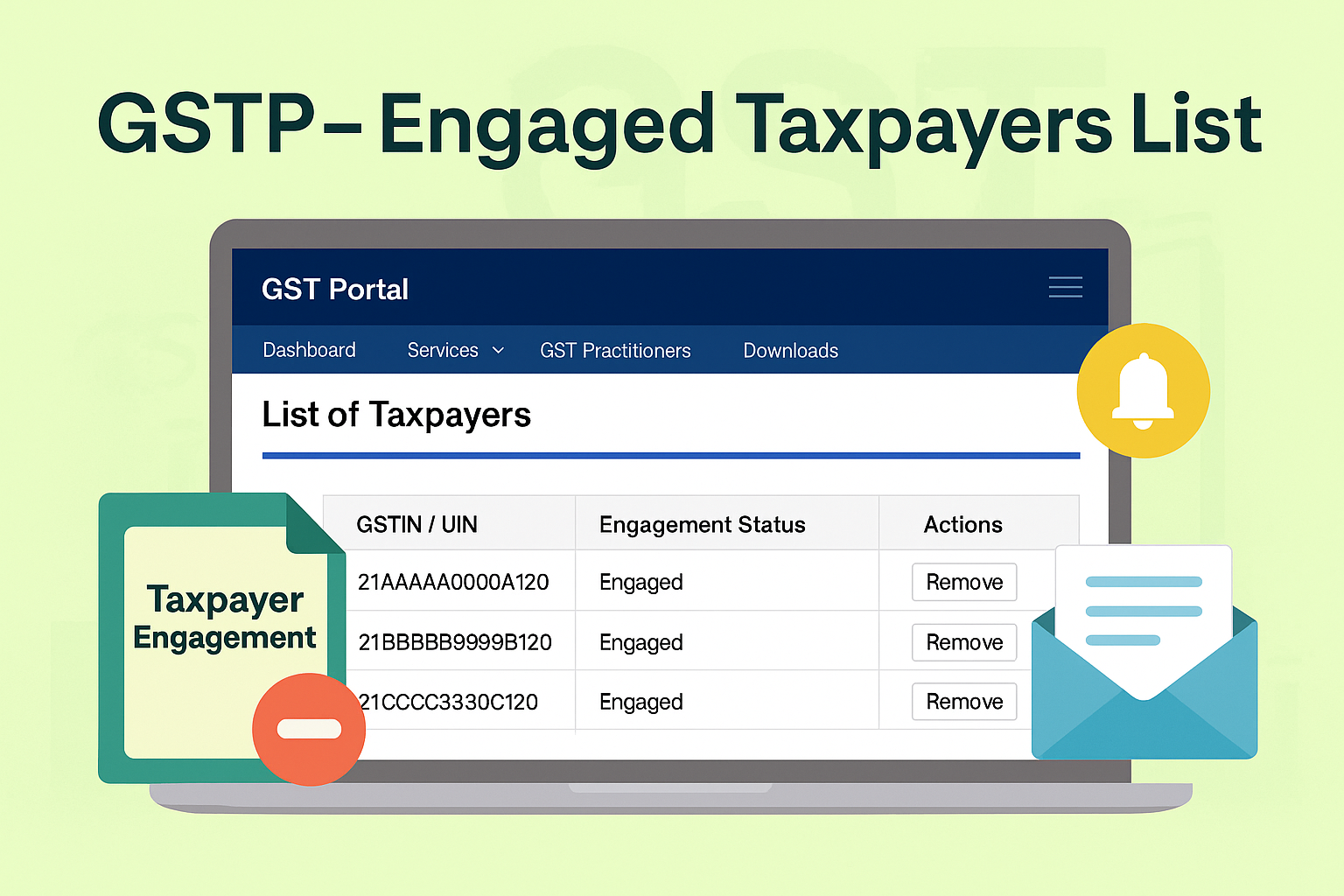
Viewing List of Engaged Taxpayers – GST Practitioner
Edition: September 2025
Disclaimer: This manual is prepared for compliance facilitation. It does not substitute statutory provisions, notifications, or circulars. Users must cross-check with GST Act, Rules, and GSTN updates.
✍️ Preface
GST Practitioners (GSTPs) are authorized professionals who assist taxpayers in compliance activities. To manage clients effectively, the GST Portal provides a feature to view and manage the list of engaged taxpayers. This ensures transparency and enables both practitioner and taxpayer to monitor engagements.
This manual consolidates the lawful framework, portal navigation, FAQs with statutory basis, and a compliance checklist.
📑 Table of Contents
-
Law Governing GSTP Engagement
-
Purpose of Taxpayer List Feature
-
Step-by-Step Process to View Taxpayer List
-
Disengagement of Taxpayer
-
FAQs (with Basis)
-
Compliance Checklist (Fillable Format)
⚖️ 1. Law Governing GSTP Engagement
-
Section 48, CGST Act, 2017 – Recognizes GSTPs to prepare returns and assist taxpayers.
-
Rule 83, CGST Rules, 2017 – Governs enrolment and functioning of GSTPs.
-
GST Portal Provisions – Provide dashboard-based client management tools.
🎯 2. Purpose of Taxpayer List Feature
-
Provides GSTPs with a real-time list of engaged taxpayers.
-
Allows monitoring of active and disengaged clients.
-
Ensures transparency – taxpayers also receive intimation when disengaged.
🛠️ 3. Step-by-Step Process to View Taxpayer List
Step 1: Login
-
Visit www.gst.gov.in → Login using GSTP ID & password.
Step 2: Navigate
-
From Dashboard/Home screen → Services > User Services > List of Taxpayers.
Step 3: View List
-
System displays engaged taxpayers with:
-
GSTIN/UIN
-
Engagement status
-
Action link (Remove/Disengage).
-
❌ 4. Disengagement of Taxpayer
-
GSTP can click Remove under “Actions” to disengage taxpayer.
-
Intimation of disengagement sent to taxpayer by email.
-
Disengaged taxpayer cannot continue with that GSTP unless re-engagement is done.
❓ 5. FAQs (with Basis)
Q1. What happens when I accept an engagement request?
The taxpayer is added to GSTP’s client list. (FAQ 1)
Q2. What happens when I reject a request?
No change in client list. (FAQ 2)
Q3. Can I be engaged by multiple taxpayers simultaneously?
Yes. A GSTP can serve multiple taxpayers, but a taxpayer can engage only one GSTP at a time. (FAQ 3)
Q4. Can a taxpayer be removed from list?
Yes, via Remove button; intimation sent to taxpayer. (Manual)
✅ 6. Compliance Checklist (Fillable Format)
| Step | Particulars | Status (✔) |
|---|---|---|
| 1 | Login to GST Portal as GST Practitioner | ⬜ |
| 2 | Navigate to Services > User Services > List of Taxpayers | ⬜ |
| 3 | Verify GSTIN/UIN of engaged taxpayers | ⬜ |
| 4 | Check engagement status | ⬜ |
| 5 | Disengage taxpayer if required | ⬜ |
| 6 | Confirm taxpayer receives disengagement intimation | ⬜ |
| 7 | Maintain updated client list | ⬜ |

