


Enrolment as a GST Practitioner (GSTP)
Edition: September 2025
Disclaimer: This manual is for compliance facilitation. It does not substitute statutory provisions, notifications, or circulars. Readers must verify with the CGST Act, Rules, and GSTN updates.
✍️ Preface
GST Practitioners (GSTPs) are professionals authorized to assist taxpayers in filing returns, applications, and representing them before tax authorities. Enrolment as a GSTP requires fulfilling statutory eligibility and completing registration through the GST Portal.
This manual consolidates the law, enrolment process, FAQs with statutory basis, and a compliance checklist for aspiring GST Practitioners.
📑 Table of Contents
-
Law Governing GST Practitioners
-
Eligibility Criteria
-
Step-by-Step Enrolment Process
-
Post-Enrolment Provisions
-
FAQs (with Basis)
-
Compliance Checklist (Fillable Format)
⚖️ 1. Law Governing GST Practitioners
-
Section 48, CGST Act, 2017 – Empowers practitioners to assist taxpayers.
-
Rule 83, CGST Rules, 2017 – Provides procedure for enrolment of GSTPs.
-
Schedule & Notifications – Prescribe qualifications and exams for enrolment.
✅ 2. Eligibility Criteria
As per FAQs:
-
Valid PAN, mobile number, email ID, and professional address.
-
Eligible qualifications include:
-
Chartered Accountant, Company Secretary, Cost & Management Accountant.
-
Graduate/Postgraduate in Commerce, Law, Banking, Business Administration/Management, Higher Auditing.
-
Retired Government Officials.
-
Tax Return Preparers/Sales Tax Practitioners (5+ years).
-
Any other exam notified by Government.
-
-
Foreign degrees recognized by Indian Universities also eligible.
🛠️ 3. Step-by-Step Enrolment Process
Part A – Generate TRN
-
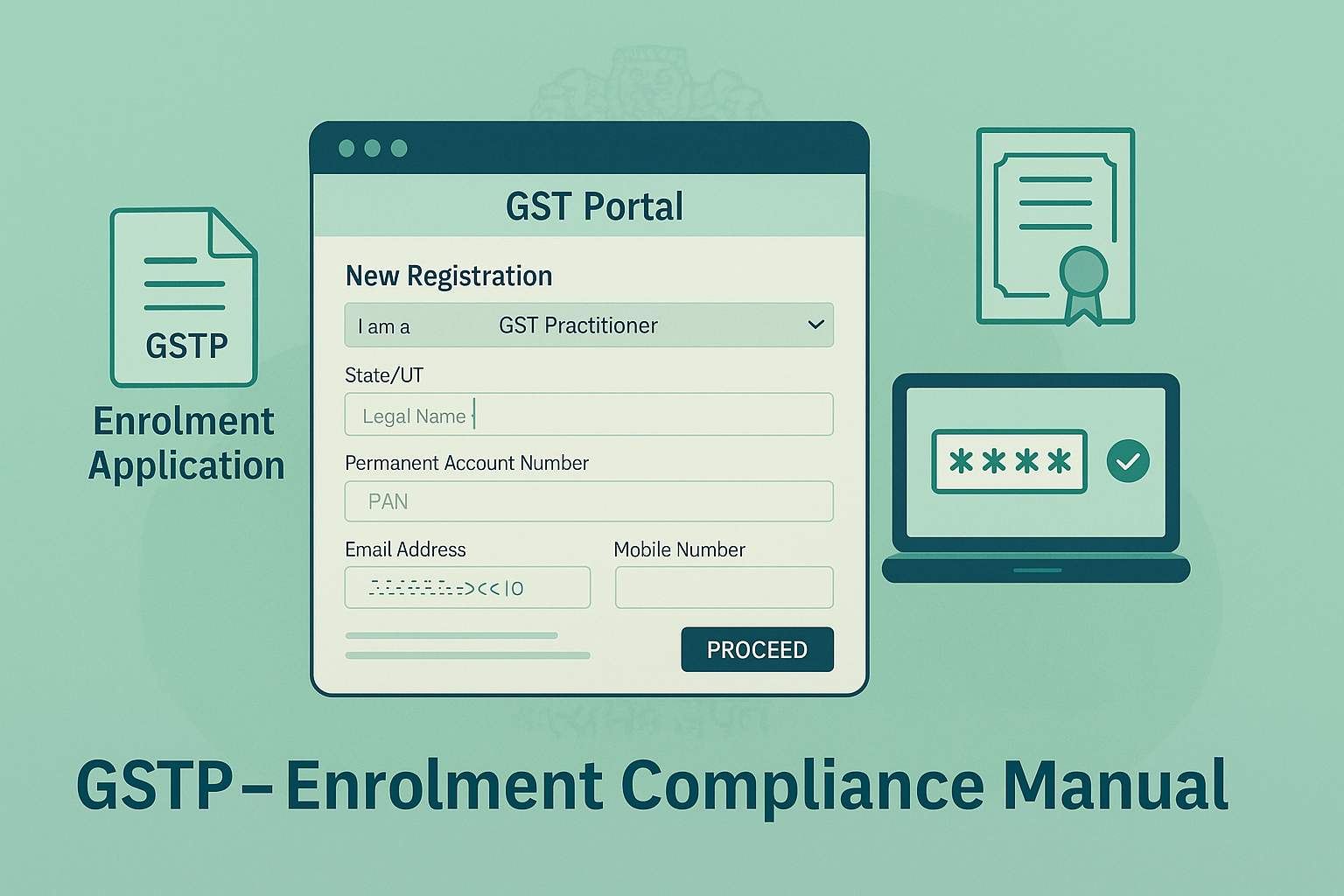
Visit www.gst.gov.in → Services > Registration > New Registration.
-
Select GST Practitioner from dropdown.
-
Enter State/UT, District, Name (as per PAN), PAN, email ID, and mobile number.
-
Validate via separate OTPs sent to email & mobile.
-
System generates 15-digit TRN (valid for 15 days).
Part B – Complete Application
-
Login with TRN. Enter captcha and OTP.
-
Fill the following:
-
General Details: University/degree, year of passing, upload proof.
-
Applicant Details: DOB, gender, name, upload photograph (≤100 KB JPEG).
-
Professional Address: Address, PIN, upload proof (≤1 MB JPEG/PDF).
-
-
Verification Page: Tick declaration → Enter place → File using DSC/E-Sign/EVC.
-
On success: ARN generated; acknowledgement sent by email/SMS.
🔄 4. Post-Enrolment Provisions
-
Application processed by Tax Officer.
-
If approved → GSTP ID generated with temporary password; Enrolment Certificate available on dashboard.
-
If rejected → Rejection Order issued; applicant informed via email/SMS.
-
Single enrolment valid pan-India (no separate state enrolments required).
❓ 5. FAQs (with Basis)
Q1. Who is a GST Practitioner?
A professional authorized to prepare returns and represent taxpayers. (Sec. 48, Rule 83)
Q2. Can I file returns for clients without enrolment?
No, enrolment recommended to act officially as GSTP. (FAQ 2)
Q3. Preconditions before applying?
Valid PAN, mobile, email, address, and prescribed documents. (FAQ 3)
Q4. Is single enrolment valid across India?
Yes. (FAQ 7)
Q5. What if application is rejected?
Rejection Order issued and communicated. (FAQ 6)
Q6. Can multiple enrolments be taken with same PAN/email?
Yes, possible. (FAQ 10)
Q7. How long can application be saved?
15 days from TRN generation. (FAQ 5)
Q8. How is approval communicated?
Through ARN status and Enrolment Certificate on portal. (FAQ 6)
Q9. Can GSTPs act as Authorized Representatives?
Yes. (Sec. 48, Rule 83)
Q10. Are Ladakh/DNH-DD mergers affecting GSTP engagement?
Portal automatically migrates GSTPs with new GSTINs. (FAQ 11–14)
✅ 6. Compliance Checklist (Fillable Format)
| Step | Particulars | Status (✔) |
|---|---|---|
| 1 | Check eligibility (qualification, PAN, email, mobile, address) | ⬜ |
| 2 | Generate TRN via New Registration | ⬜ |
| 3 | Complete Part B (General, Applicant, Address details) | ⬜ |
| 4 | Upload photograph, degree, address proof | ⬜ |
| 5 | Submit with DSC/E-Sign/EVC | ⬜ |
| 6 | Save ARN acknowledgement | ⬜ |
| 7 | Await Tax Officer approval/rejection | ⬜ |
| 8 | On approval, download Enrolment Certificate | ⬜ |
| 9 | Use GSTP ID for client engagements | ⬜ |
| 10 | Keep credentials secure & updated | ⬜ |

. Explains eligibility, enrolment process, post-enrolment provisions, FAQs with statutory basis, and a practical checklist.)