


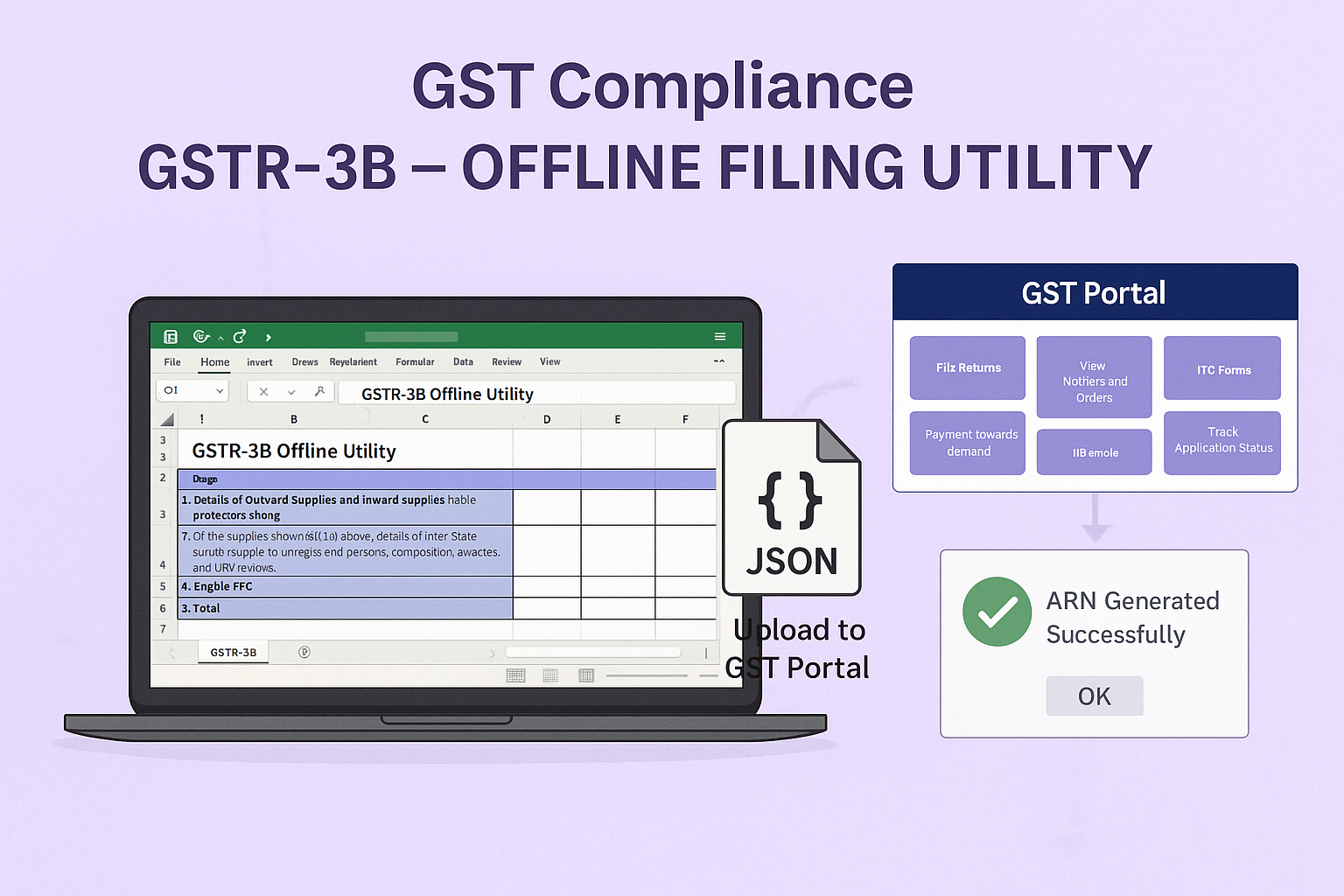
Filing FORM GSTR-3B using the Offline Utility
Edition: September 2025
Disclaimer: This manual is prepared for educational and compliance facilitation purposes. It does not substitute the provisions of law, notifications, or circulars issued by the Government. Readers are advised to refer to the original statutory provisions wherever required.
✍️ Preface
FORM GSTR-3B is a monthly summary return under GST capturing outward supplies, ITC, and tax liability. Taxpayers with bulk data often face challenges filing directly online. To address this, GSTN provides the GSTR-3B Offline Utility, an Excel-based tool that enables taxpayers to prepare the return offline and upload it as a JSON file to the portal.
This manual consolidates the legal framework, purpose, stepwise filing process, FAQs with basis, and a compliance checklist for smooth filing of GSTR-3B.
📑 Table of Contents
-
The Law Governing GSTR-3B
-
Purpose of the Offline Utility
-
System Requirements
-
Step-by-Step Process (How Do I)
-
FAQs (with Basis)
-
Compliance Checklist (Fillable Format)
⚖️ 1. The Law Governing GSTR-3B
-
Section 39, CGST Act, 2017 – Furnishing of returns by registered persons.
-
Rule 61, CGST Rules, 2017 – Prescribes Form and particulars of GSTR-3B.
-
Notification 10/2017-CT (27.06.2017) – Prescribes FORM GSTR-3B as the return format.
-
Late Fee & Interest: Sec. 47 (late fees), Sec. 50 (interest).
📝 2. Purpose of the Offline Utility
-
Simplifies data entry for taxpayers with large invoice volumes.
-
Reduces portal errors by validating data before upload.
-
Allows preparation without continuous internet.
-
Ensures compliance with statutory timelines in an efficient manner.
💻 3. System Requirements
-
OS: Windows 7 & above (recommended), Internet Explorer 10+.
-
Software: MS Excel 2007+ or equivalent.
-
Disk Space: 200 MB free.
-
Internet: Required only for upload of JSON file.
🛠️ 4. How Do I – Stepwise Filing Process
Step 1: Download Utility
-
Go to www.gst.gov.in → Downloads > Offline Tools > GSTR-3B Offline Utility.
Step 2: Install Utility
-
Unzip downloaded file → open
GSTR3B_Excel_Utility. -
Click Enable Editing and Enable Content in Excel.
Step 3: Enter Data
-
Open worksheet GSTR-3B.
-
Fill details:
-
Table 3.1: Outward & inward supplies liable to reverse charge.
-
Table 3.2: Interstate supplies to unregistered persons, composition taxpayers, UIN holders.
-
Table 4: Eligible ITC.
-
Table 5: Nil/exempt/non-GST inward supplies.
-
Table 5.1: Interest & late fee.
-
Step 4: Validate Data
-
Click Validate → tool flags missing/incorrect data.
-
Correct errors, re-validate until status = “Validation Successful”.
Step 5: Generate JSON File
-
Click Generate File → JSON file saved in
GSTRfolder on desktop.
Step 6: Upload JSON on Portal
-
Login → Services > Returns > Returns Dashboard → select period → click Prepare Offline.
-
Upload JSON file; errors (if any) shown on portal.
Step 7: Submit & File Return
-
Preview → Submit → Offset liability → File with DSC/EVC.
-
ARN generated, acknowledgement available.
❓ 5. FAQs (with Basis)
Q1. How do I download GSTR-3B Offline Utility?
From GST Portal → Downloads > Offline Tools. (GSTN Manual)
Q2. Can I file GSTR-3B directly from the tool?
No. Filing must be completed on GST Portal after JSON upload. (FAQ 5)
Q3. What details can be entered offline?
Supplies (Table 3.1 & 3.2), Eligible ITC (Table 4), Nil/Exempt inward supplies (Table 5), Interest & late fee (Table 5.1). (Rule 61)
Q4. Is validation mandatory?
Yes, JSON generation possible only after successful validation. (GSTN Manual)
Q5. Can JSON be uploaded multiple times?
Yes, but last uploaded data overwrites earlier data. (Manual Note)
Q6. What happens if JSON has errors?
Portal rejects with error messages for correction. (Portal Workflow)
Q7. Is tool mobile compatible?
No, only desktop use supported. (FAQ 4)
Q8. Can Nil GSTR-3B be filed using utility?
Yes, Nil details can also be uploaded. (Rule 61)
Q9. What happens after upload?
Data reflects in portal tables; must be submitted and filed online. (FAQ 5)
Q10. How long does download take?
2–3 minutes depending on internet speed. (Manual)
✅ 6. Compliance Checklist (Fillable Format)
| Step | Particulars | Status (✔) |
|---|---|---|
| 1 | Download latest GSTR-3B Offline Utility | ⬜ |
| 2 | Install & open file (Enable Editing & Content) | ⬜ |
| 3 | Enter supply/ITC/interest/fee details in worksheet | ⬜ |
| 4 | Validate sheet (till successful) | ⬜ |
| 5 | Generate JSON file | ⬜ |
| 6 | Login to GST Portal → Returns Dashboard | ⬜ |
| 7 | Upload JSON (Prepare Offline option) | ⬜ |
| 8 | Correct errors, if any | ⬜ |
| 9 | Preview return | ⬜ |
| 10 | Submit & File with DSC/EVC | ⬜ |
| 11 | Save ARN & acknowledgement | ⬜ |

