Refund Pre-Application Form
Edition: September 2025
Disclaimer: This manual is for compliance facilitation. It does not substitute statutory provisions, notifications, or circulars. Taxpayers must verify with the CGST/SGST Acts, Rules, and GSTN updates.
✍️ Preface
Before applying for refund under GST, taxpayers are required to submit a Refund Pre-Application Form. This form captures details of business, Aadhaar, income tax, exports, and investments, which helps authorities in verification. This report explains the law basis, stepwise filing process, FAQs, and checklist.
⚖️ 1. Law Basis
-
Section 54, CGST Act, 2017 – Refund of tax.
-
Rule 89, CGST Rules, 2017 – Application for refund.
-
Circulars issued by CBIC on refund processing (relevant to pre-application compliance).
🛠️ 2. Step-by-Step Process – Filing Refund Pre-Application
-
Login at www.gst.gov.in.
-
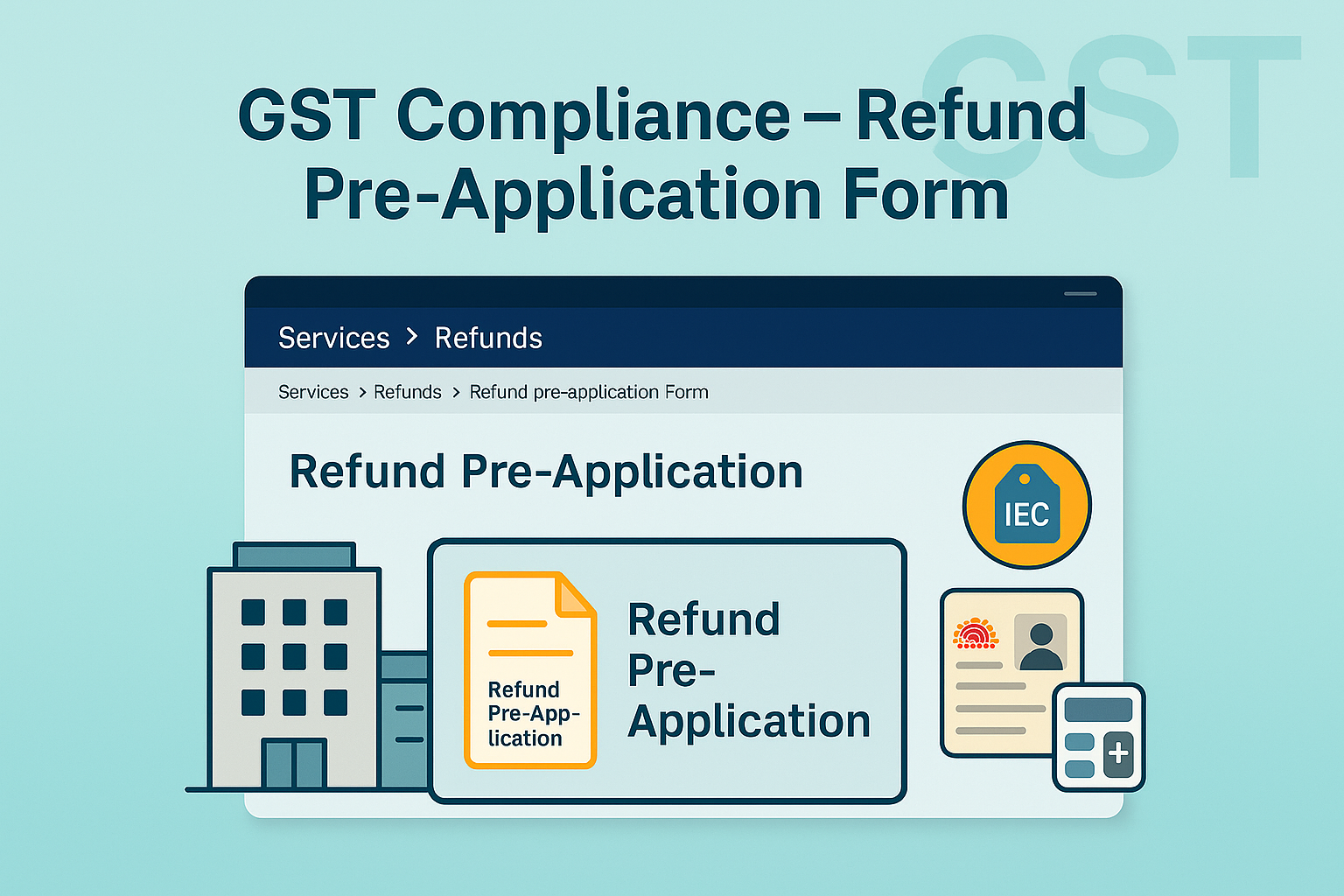
Navigate: Services > Refunds > Refund Pre-Application Form.
-
Form screen opens:
-
Select Nature of Business.
-
Enter Date of Issue of IEC (for exporters).
-
Enter Aadhaar of Primary Authorized Signatory.
-
Enter:
-
Value of Exports (FY 2019–20 till date).
-
Income Tax paid (FY 2018–19).
-
Advance Tax paid (FY 2019–20 till date).
-
Capital Expenditure & Investment (FY 2018–19).
-
-
-
Select declaration checkbox → Click SUBMIT.
-
A confirmation message is shown on screen.
-
Note: No email/SMS is sent. Once submitted, the form cannot be edited/revised/re-submitted.
-
📌 3. Key Features
-
Mandatory before refund filing.
-
One-time submission only; cannot be revised.
-
No DSC/EVC required for submission.
-
No tracking facility post-submission.
-
Acknowledgement shown only on-screen.
❓ 4. FAQs (with Basis)
Q1. What is Refund Pre-Application Form?
A form to capture taxpayer details before applying for refund.
Q2. What details are captured?
Nature of business, IEC, Aadhaar, exports, income tax, advance tax, capital expenditure/investments.
Q3. Do I need to sign the form?
No, DSC/EVC not required.
Q4. Will I get acknowledgement?
Yes, on-screen message only (no SMS/email).
Q5. Can I edit after submission?
No, once submitted it cannot be edited or re-submitted.
Q6. Can I track the form after submission?
No, tracking functionality not available.
✅ 5. Compliance Checklist
| Step | Particulars | Status (✔) |
|---|---|---|
| 1 | Login → Services > Refunds → Refund Pre-Application | ⬜ |
| 2 | Fill business, IEC, Aadhaar, export & tax details | ⬜ |
| 3 | Verify declaration & submit | ⬜ |
| 4 | Note on-screen acknowledgement | ⬜ |
| 5 | Maintain copy for records | ⬜ |
| 6 | Proceed with refund application (RFD-01, etc.) | ⬜ |