


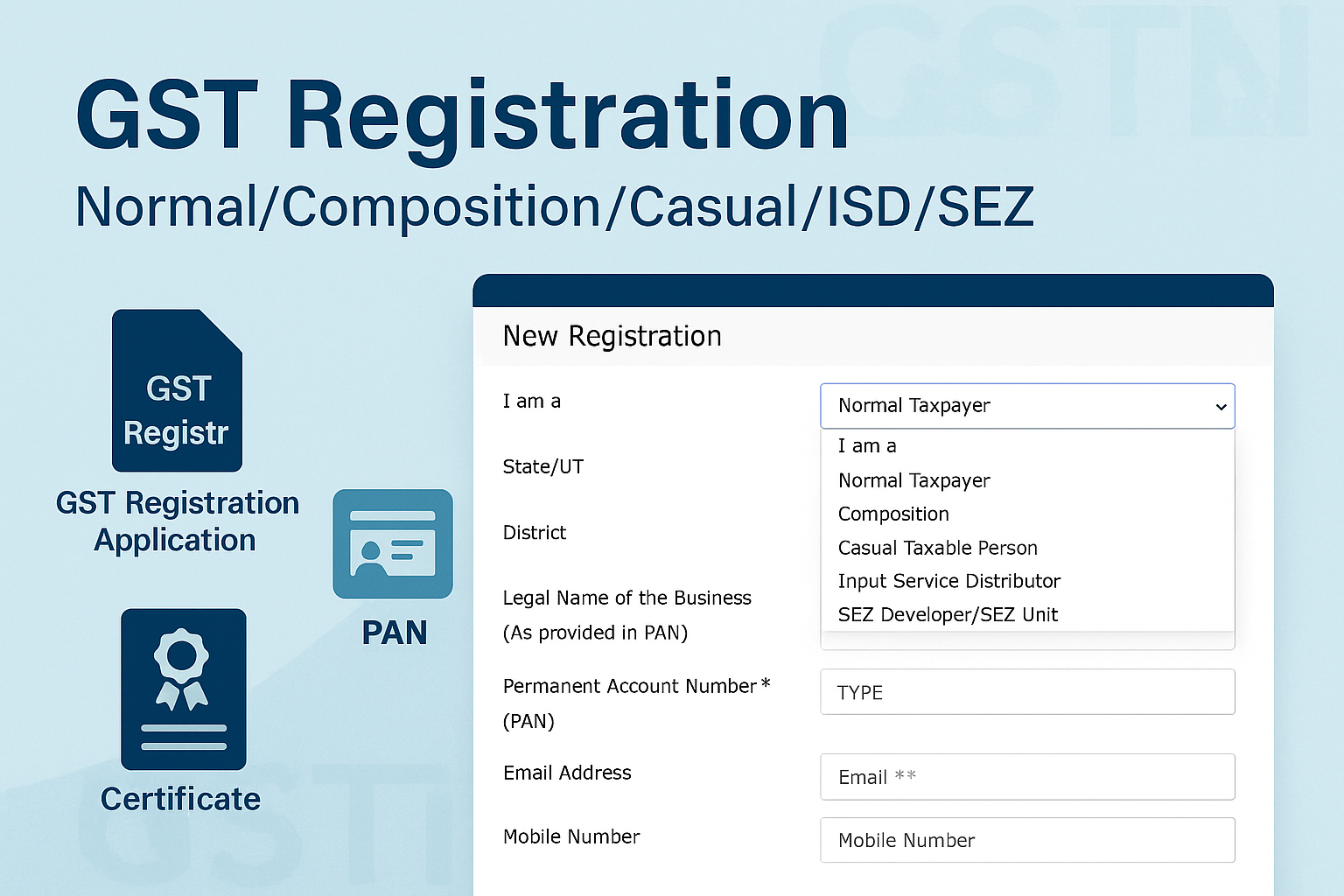
GST Registration – Normal/Composition/Casual/ISD/SEZ
Edition: September 2025
Disclaimer: This manual is for compliance facilitation. It does not substitute statutory provisions, notifications, or circulars. Taxpayers must verify with the CGST Act/Rules and GSTN updates.
✍️ Preface
Every taxable person required to register under GST must follow a structured online process through the GST Portal. Registration is state-specific, and the same application applies for Normal Taxpayer, Composition Dealer, Casual Taxable Person, Input Service Distributor (ISD), SEZ Developer, or SEZ Unit.
This manual consolidates the law, filing process, FAQs with statutory basis, and a compliance checklist.
📑 Table of Contents
-
Law Governing Registration
-
Who Should Register?
-
Step-by-Step Registration Process
-
Key Provisions for Special Categories
-
FAQs (with Basis)
-
Compliance Checklist (Fillable Format)
⚖️ 1. Law Governing Registration
-
Section 22, CGST Act, 2017 – Persons liable for registration.
-
Section 23 – Persons not liable for registration.
-
Section 24 – Compulsory registration in specified cases.
-
Rule 8–9, CGST Rules, 2017 – Registration procedure.
🎯 2. Who Should Register?
-
Turnover exceeds prescribed threshold.
-
Interstate suppliers.
-
Casual taxable persons.
-
Input Service Distributors (ISD).
-
SEZ Developers/Units (mandatory regardless of turnover).
-
Persons under reverse charge.
🛠️ 3. Step-by-Step Registration Process
Part A – Generate TRN
-
Visit www.gst.gov.in → Services > Registration > New Registration.
-
Select type: Normal/Composition/Casual/ISD/SEZ.
-
Enter State, District, PAN, Legal Name, Email, Mobile.
-
Validate via OTPs → Temporary Reference Number (TRN) generated (valid 15 days).
Part B – Complete Application
-
Login with TRN → OTP verification.
-
Fill 10 tabs:
-
Business Details (opt composition, casual, ISD, SEZ, if applicable).
-
Promoters/Partners (up to 10).
-
Authorized Signatory (up to 10).
-
Authorized Representative (if any).
-
Principal Place of Business (proof required).
-
Additional Places of Business.
-
Goods & Services (max 5 HSN/SAC codes).
-
State Specific Info (electricity CA no., excise license, etc.).
-
Aadhaar Authentication (OTP or biometric).
-
Verification (declaration + DSC/EVC).
-
-
Upload required documents (PAN, address, authorization).
-
File application → ARN generated.
📌 4. Key Provisions for Special Categories
-
Composition Dealers: Opt under Business Details; restricted goods not allowed.
-
Casual Taxable Persons: Pay advance estimated tax liability via challan; provisional GSTIN allotted.
-
ISD: Select “Input Service Distributor” in Business Details.
-
SEZ Unit/Developer: Upload Letter of Approval/Permission; must specify validity. Expiry triggers cancellation unless extended.
❓ 5. FAQs (with Basis)
Q1. Why can’t I change State once selected?
Because registration is state-specific. (FAQ 1)
Q2. How do I opt for Composition at registration?
Use YES/NO button in Business Details. (FAQ 4)
Q3. What if Composition option shows “No” by default?
Status applies PAN-wise across all GSTINs. (FAQ 6)
Q4. What is Date of Commencement of Business?
The official date you started supplying/receiving goods/services. (FAQ 5)
Q5. Is validity mandatory for SEZ Unit/Developer registration?
Yes, validity period of LOA/LOP must be provided. (FAQ 16)
Q6. Can I apply as IRP/RP for corporate debtor?
Yes, by selecting “Corporate Debtor undergoing CIRP with IRP/RP” in Business Details. (FAQ 7)
✅ 6. Compliance Checklist (Fillable Format)
| Step | Particulars | Status (✔) |
|---|---|---|
| 1 | Collect PAN, email, mobile, documents | ⬜ |
| 2 | Apply for New Registration – Part A | ⬜ |
| 3 | Validate OTPs → Generate TRN | ⬜ |
| 4 | Login with TRN → Fill Part B tabs | ⬜ |
| 5 | Upload documents | ⬜ |
| 6 | Opt for Composition/Casual/ISD/SEZ if applicable | ⬜ |
| 7 | Complete Aadhaar Authentication | ⬜ |
| 8 | File with DSC/EVC | ⬜ |
| 9 | Save ARN acknowledgement | ⬜ |
| 10 | Track status via Track Application | ⬜ |

