
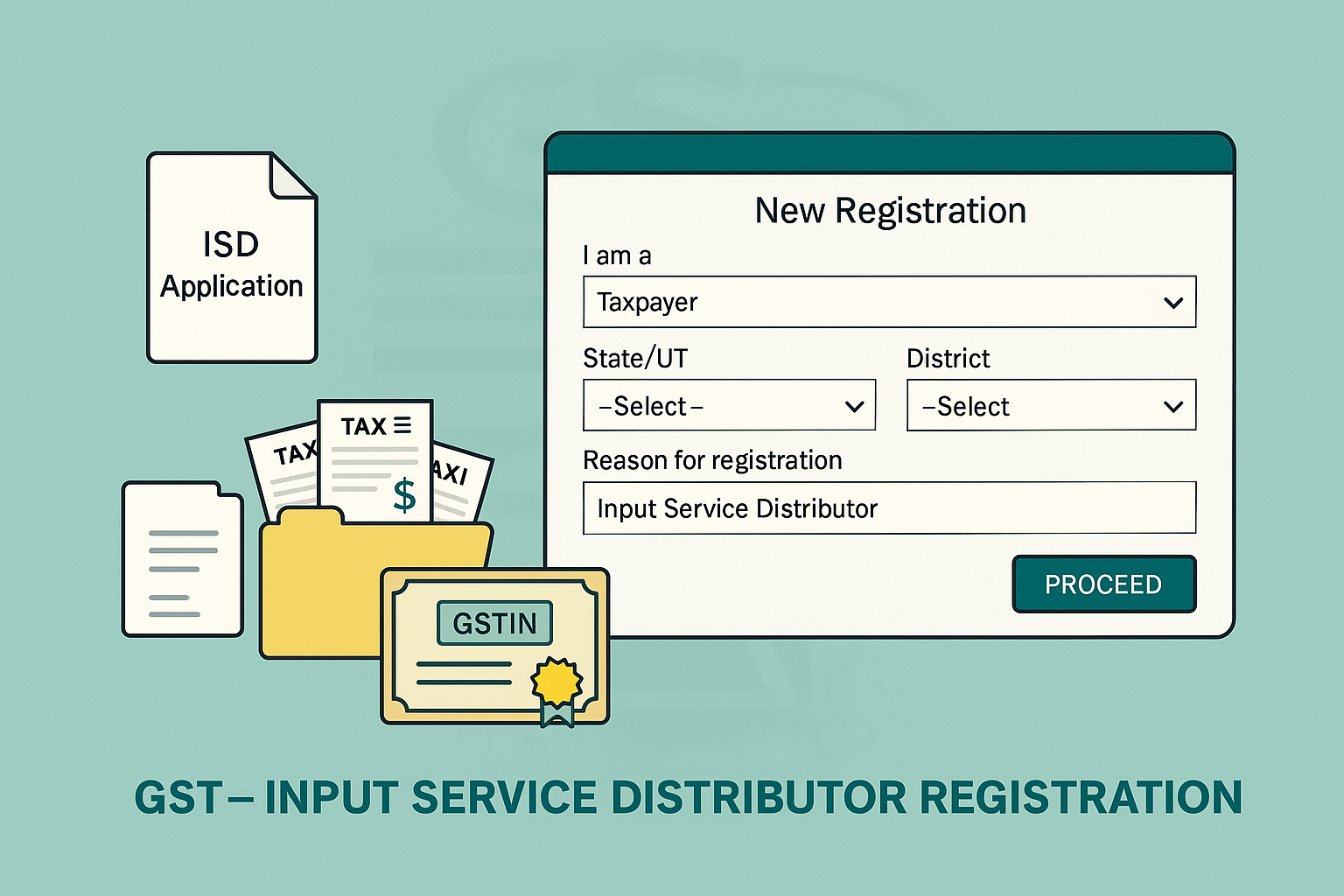
Registration of Input Service Distributor (ISD)
Edition: September 2025
Disclaimer: This manual is for compliance facilitation. It does not substitute statutory provisions, notifications, or circulars. Taxpayers must verify with the CGST Act/Rules and GSTN updates.
✍️ Preface
An Input Service Distributor (ISD) is an office of a supplier of goods or services that receives input service invoices and distributes the Input Tax Credit (ITC) to other units of the same PAN. Registration as an ISD is mandatory under GST.
This manual consolidates the law, filing process, documents required, FAQs with statutory basis, and a practical checklist for ISD registration.
📑 Table of Contents
-
Law Governing ISD Registration
-
Who is an Input Service Distributor?
-
Step-by-Step Registration Process
-
Documents Required
-
FAQs (with Basis)
-
Compliance Checklist (Fillable Format)
⚖️ 1. Law Governing ISD Registration
-
Section 24(viii), CGST Act, 2017 – Compulsory registration for ISD.
-
Rule 7, CGST Rules, 2017 – Distribution of ITC by ISD.
-
Rule 8–9, CGST Rules, 2017 – Registration process.
🎯 2. Who is an Input Service Distributor?
-
An ISD is an office of a supplier which:
-
Receives invoices for input services.
-
Issues prescribed documents for distributing ITC of CGST/SGST/IGST to units under the same PAN.
-
🛠️ 3. Step-by-Step Registration Process
Step 1: Access Portal
-
Visit www.gst.gov.in → Services > Registration > New Registration.
Step 2: Part A – Generate TRN
-
Select “Taxpayer” as type.
-
Enter State/UT, District, Legal Name (as per PAN), PAN, Email, Mobile.
-
Validate OTPs → Generate TRN (valid 15 days).
Step 3: Part B – Application Form
-
Login with TRN → Enter OTP.
-
Fill 10 tabs: Business Details, Promoters/Partners, Authorized Signatory, Authorized Representative, Principal & Additional Places of Business, Goods & Services, State Specific Info, Aadhaar Authentication, Verification.
-
In Business Details, select Reason for Registration → Input Service Distributor (ISD).
Step 4: Upload Documents
-
Proof of business, proof of principal place, authorization, photos, Aadhaar/PAN.
Step 5: Verification & Submission
-
File with DSC/EVC → ARN generated → Application processed by Tax Officer.
📂 4. Documents Required
As per FAQ guidelines:
-
Own Premises: Property Tax Receipt / Khata / Electricity Bill / Ownership Document.
-
Leased/Rented: Rent Agreement + NOC + one ownership proof.
-
Consent/Shared: Consent Letter + ownership proof of consenter.
-
Others: Legal Ownership Document.
❓ 5. FAQs (with Basis)
Q1. How do I obtain ISD registration?
Through New Registration → Select ISD under “Reason to obtain registration”. (FAQ 2)
Q2. Can ISD take multiple registrations in a state?
No. Only one ISD registration per state. (FAQ 3)
Q3. Can ISD opt for composition scheme?
No, ISD cannot opt for composition. (FAQ 8)
Q4. What if ISD has branches in different states?
Separate ISD registration needed for each state. (FAQ 7)
Q5. What address should be mentioned?
Principal place of business must be specified; amendments required if it changes. (FAQ 4, 6)
✅ 6. Compliance Checklist (Fillable Format)
| Step | Particulars | Status (✔) |
|---|---|---|
| 1 | Collect PAN, email, mobile, and documents | ⬜ |
| 2 | Apply New Registration – Part A | ⬜ |
| 3 | Generate TRN (valid 15 days) | ⬜ |
| 4 | Fill Part B → Select ISD in Business Details | ⬜ |
| 5 | Upload proof of business & premises | ⬜ |
| 6 | Provide promoter/authorized signatory details | ⬜ |
| 7 | Complete Aadhaar Authentication | ⬜ |
| 8 | File application with DSC/EVC | ⬜ |
| 9 | Save ARN acknowledgement | ⬜ |
| 10 | Track status under “Track Application” | ⬜ |


 under GST. Explains law provisions, filing process, required documents, FAQs with statutory basis, and a compliance checklist.)